AI Corporate / Team Photo Prompts
11 PromptsA team photo says a lot before anyone reads your About page. Is this a formal crew, a creative studio, or a team that actually likes working together?
This category has 11+ corporate team photo prompts built for real workplace use — not stiff stock-photo smiles. Whether you need a LinkedIn banner for your startup, a careers page update, or a clean grid of headshots for a pitch deck, these prompts give you control over background, formation, lighting, and dress code.
You’ll find variations for different needs: formal office backdrops, relaxed team photo prompts aesthetic with soft natural light, and high-energy sports team photo prompts with jerseys and action poses. A lot of people search for corporate team photo prompts free to test ideas before booking a photographer, and that’s exactly what these are for — concepting, mood boards, and internal decks.
If you’re looking for an AI prompt for professional photo that works in ChatGPT, Gemini, Midjourney or Flux, start here. Use them to plan your shoot, then do the real session with your actual team. For official websites, real photos of your real team will always build more trust than AI.
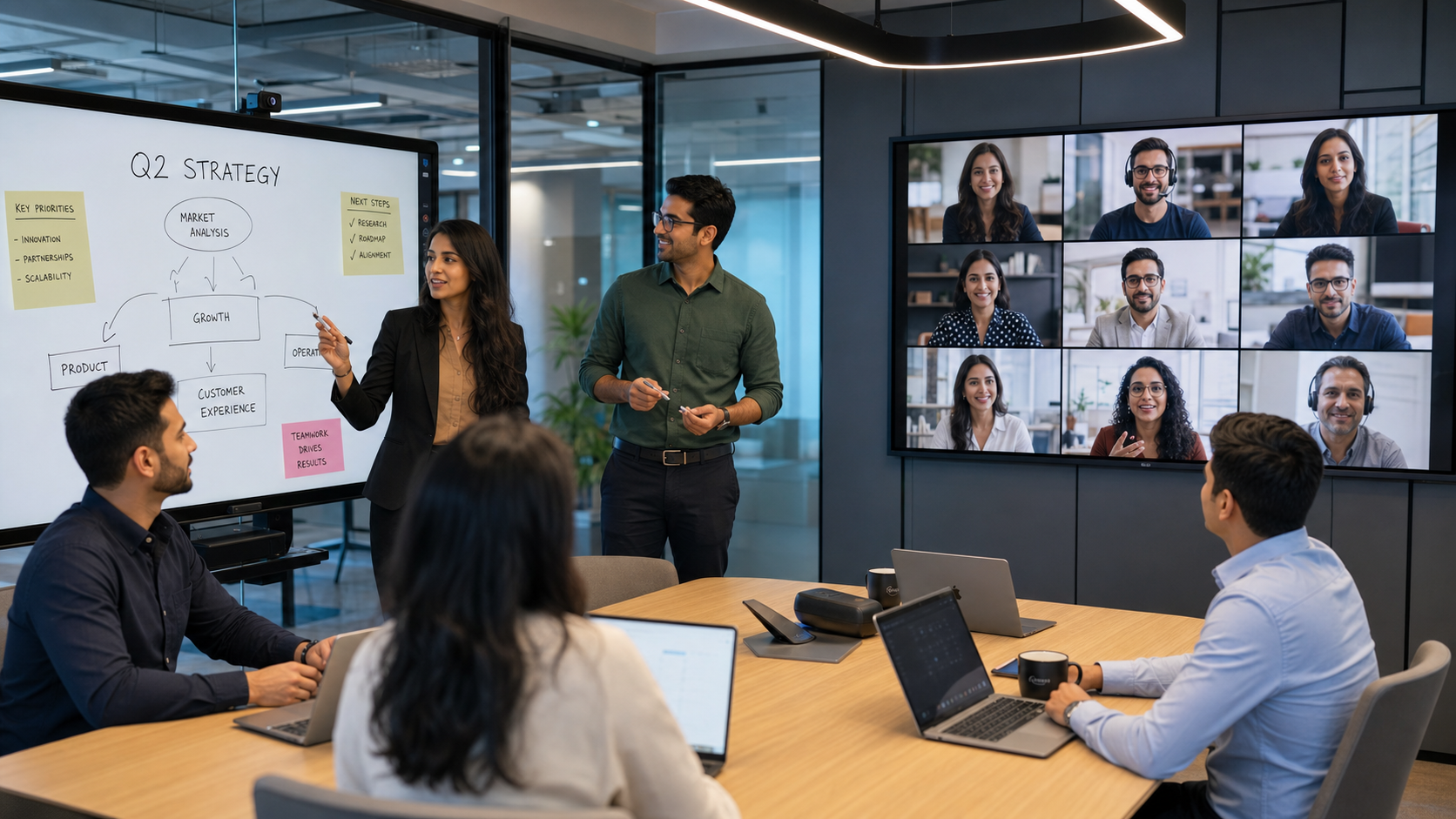 Ideogram
Generate a premium hybrid workplace corporate photograph using [UPLOAD TEAM PHOTO(S)], preserving every person…
 Meta AI
Generate a premium corporate celebration team portrait using **[UPLOAD TEAM PHOTO(S)]**, preserving every empl…
![Create a realistic corporate meeting scene using [UPLOAD TEAM PHOTO(S)], preserv — Google Gemini AI Image Prompt](https://aipromy.com/wp-content/uploads/2026/07/Gemini_Generated_Image_mmcnxpmmcnxpmmcn.png) Google Gemini
Google Gemini
Create a realistic corporate meeting scene using [UPLOAD TEAM PHOTO(S)], preserving each team member's exact i…
 DALL-E
Generate a relaxed yet professional corporate team portrait using **[UPLOAD TEAM PHOTO(S)]**, preserving every…
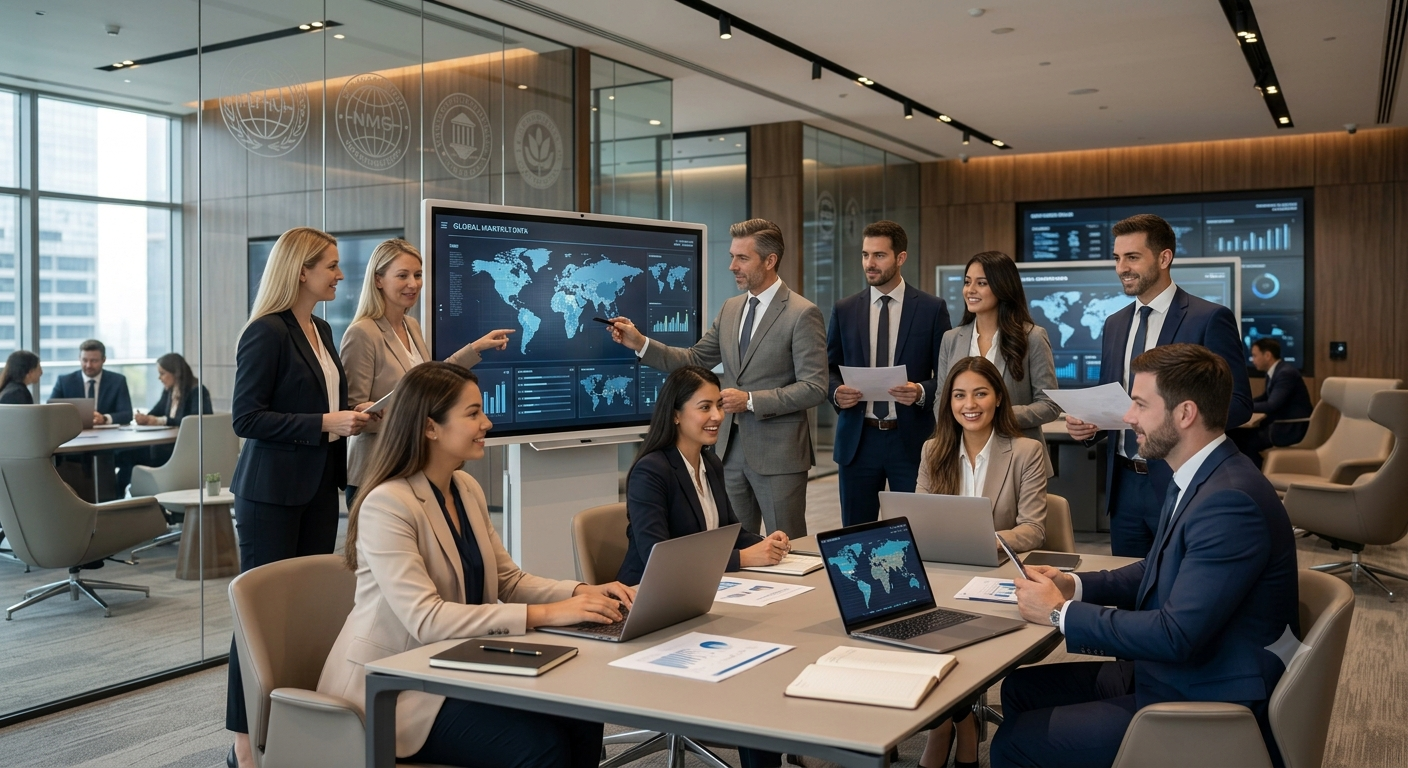 Google Gemini
Create a high-end multinational corporate team portrait using [UPLOAD TEAM PHOTO(S)], preserving each person's…
![Create a vibrant creative agency team photo using [UPLOAD TEAM PHOTO(S)], preser — Meta AI AI Image Prompt](https://aipromy.com/wp-content/uploads/2026/07/creative_agency_brainstorm.webp) Meta AI
Meta AI
Create a vibrant creative agency team photo using [UPLOAD TEAM PHOTO(S)], preserving each individual's facial …
![Generate a luxury outdoor corporate team portrait using [UPLOAD TEAM PHOTO(S)], — DALL-E AI Image Prompt](https://aipromy.com/wp-content/uploads/2026/07/0a459589-1af4-4570-8120-15604bd20b73.jpg) DALL-E
DALL-E
Generate a luxury outdoor corporate team portrait using [UPLOAD TEAM PHOTO(S)], preserving every person's exac…
![Generate a luxury executive leadership portrait using [UPLOAD TEAM PHOTO(S)], pr — DALL-E AI Image Prompt](https://aipromy.com/wp-content/uploads/2026/07/Gemini_Generated_Image_5iiok25iiok25iio.png) DALL-E
DALL-E
Generate a luxury executive leadership portrait using [UPLOAD TEAM PHOTO(S)], preserving every individual's re…
![Create a realistic startup office team photo using [UPLOAD TEAM PHOTO(S)], prese — Meta AI AI Image Prompt](https://aipromy.com/wp-content/uploads/2026/07/startup_team_collaboration.webp) Meta AI
Meta AI
Create a realistic startup office team photo using [UPLOAD TEAM PHOTO(S)], preserving each person's exact faci…
![Create a premium corporate team portrait using **[UPLOAD TEAM PHOTO(S)]**, prese — DALL-E AI Image Prompt](https://aipromy.com/wp-content/uploads/2026/07/ChatGPT-Image-Jul-26-2026-05_06_50-PM.png) DALL-E
DALL-E
Create a premium corporate team portrait using **[UPLOAD TEAM PHOTO(S)]**, preserving every person's exact fac…
![Generate a premium website hero team photograph using [UPLOAD TEAM PHOTO(S)], ac — Google Gemini AI Image Prompt](https://aipromy.com/wp-content/uploads/2026/07/Gemini_Generated_Image_jiiav8jiiav8jiia.png) Google Gemini
Google Gemini
Generate a premium website hero team photograph using [UPLOAD TEAM PHOTO(S)], accurately preserving every pers…
How to Write Corporate / Team Photo Prompts
How to write prompts that look like a real team, not AI.
1. Define the formation. Don’t just say “team photo.” Write “team of 8 standing in two rows, front row seated, back row standing, shoulder to shoulder, looking at camera.” That prevents the extra-person, melted-arm issue.
2. Set the dress code clearly. Use “all wearing business formal, dark blazers, white shirts” or “smart casual, matching company t-shirts.” Need a specific headshot? Spell it out. For a guy, try something like "man in navy suit, white shirt open collar, office backdrop." For a woman, "woman in black blazer, soft even light, plain background." No need to over-style it — simple and professional always looks more real.
3. Fix the background and light. “Modern office with blurred background, even softbox lighting, no harsh shadows.” For team photo prompts aesthetic, add “warm natural window light, minimal office, plants in background.”
4. Keep expressions natural. Prompt for “genuine slight smiles, relaxed posture, confident” instead of “laughing hysterically.” It reads more authentic.
Popular Styles Within Corporate / Team Photo
Popular Styles Within Corporate / Team Photos
1. Classic Corporate Boardroom: Everyone in formal attire, standing in front of a blurred conference room. Best for law firms, finance, consulting. This is what most people picture for best corporate team photo prompts — clean, symmetrical, trustworthy. Use “formal business attire, neutral background, studio lighting, 8k.”
2. Aesthetic Startup Team: Less formal. Smart casual, mixed seated and standing, bright office with plants, warm light. This is the go-to for team photo prompts aesthetic and group photo prompts for friends who are co-founders. It feels approachable for careers pages.
3. Sports Team Photo: This is all about the uniform and the lineup. Think matching jerseys, arms crossed, hands on shoulders, field or gym behind. Be specific — "high school basketball team, 12 players, two rows, red jerseys, indoor court, everyone looking confident" — otherwise the model will guess the sport wrong.
4. Fun / Culture Photo: For internal Slack, LinkedIn Life, or “Meet the team” carousels. Think “team doing a light-hearted jump, casual wear, office lobby” or holding coffee mugs. If you search for funny team photo prompts, keep it work-appropriate — mismatched socks, funny hand signs, not costumes that look unprofessional.
Best AI Tools for Corporate / Team Photo Prompts
ChatGPT with DALL-E 3: Best if you’re starting from scratch and searching for group photo prompts for ChatGPT or ChatGPT prompt for professional photo for LinkedIn. You can write in plain English: “corporate team of 6, diverse, business casual, modern office background.” It’s also the fastest way to turn an AI prompt for professional LinkedIn photo into a draft headshot — “professional LinkedIn headshot, woman, blazer, soft grey background.”
Midjourney v6/v7 & Flux: Better at making a group look cohesive with consistent lighting. Flux is especially good at keeping faces distinct when you have 6+ people, which is where many free tools struggle. If you’ve been looking for trending ChatGPT image prompts that look polished, these two give you that clean, portfolio-level finish.
Gemini / Imagen: Great for realistic office environments and accurate skin tones. Useful for corporate team photo prompts reddit users often recommend when they want photorealistic backgrounds without the “AI plastic” look.
Free tools reality check: There are a lot of posts about corporate team photo prompts free and team photo prompts free. Most free generators handle 1-2 people well but warp faces in groups of 5+. If you need a group, generate a smaller team and duplicate the style, or generate individual AI prompt for professional photo headshots and composite them in Canva or Photoshop. For a consistent LinkedIn grid, it’s better to use the same prompt template for every person rather than generating the whole team at once.
Frequently Asked Questions
What makes the best team photo prompts actually work?
Specificity. Don’t write “team photo.” The trick is to give it numbers. How many people, how they’re standing, what they’re wearing, where they are, how they’re smiling. Like: "5 people, 2 seated in front and 3 standing behind, business casual, modern office, background blurred, soft even light, relaxed natural smiles." Without that, you get extra arms and warped faces.
Can I get a good AI prompt for professional photo for LinkedIn?
Yes, and for LinkedIn keep it solo. A prompt that works well is "LinkedIn headshot, light grey background, soft studio light, business attire, shoulders in frame, slight smile, direct eye contact." If you want a female or male version, just add the attire — "woman in black blazer" or "man in navy suit and white shirt." Less jewelry, less makeup, more trust — that’s what works on LinkedIn.
What if I just need a group photo for friends or co-founders for a pitch deck?
Same logic as corporate, just more relaxed. Try “group of 4 friends who are co-founders, smart casual, standing in modern startup office, laughing naturally, warm natural light.” These work for pitch decks when you don’t have a photographer yet, but replace with real photos before you go live.
I saw funny team photo prompts and aesthetic ones on Reddit. Do those work for real companies?
They can, for culture content. If you browse corporate team photo prompts reddit, you’ll see two buckets: aesthetic — minimal, warm, design-forward — and funny — jumping, coffee cups, playful poses. Use aesthetic for your careers page and funny for Instagram or internal channels. Avoid anything that could look unprofessional to a client.
Where can I find team photo prompts free that don’t look fake?
Start in this library — all prompts here are free to copy and adapt. If you need a team photo prompts free workflow, test the prompt in ChatGPT or Gemini first, then upscale. For large teams, generate individual professional headshots with the same background prompt and arrange them in a grid.
🚀 Share this Prompt
Save this prompt
Create a free account to save, like & copy AI image prompts — plus access 1000+ more.