AI WhatsApp DP / Status Prompts
34 PromptsA WhatsApp DP needs to work inside a tiny circular crop, which means a WhatsApp DP status prompt has to keep the main subject centered and simple rather than relying on a wide, detailed scene. Explore 34+ free WhatsApp DP and status prompts for profile pictures and story visuals, ready to use with Midjourney, DALL-E, Google Gemini, Flux and Stable Diffusion. Midjourney renders bold, centered subjects that hold up well within a circular crop in a WhatsApp DP status prompt. Google Gemini is dependable for keeping facial detail sharp at small display sizes. People search WhatsApp DP AI generator and status photo prompt constantly, and the tip that consistently helps is centering the subject tightly since circular crops cut off the edges of a WhatsApp DP status prompt.
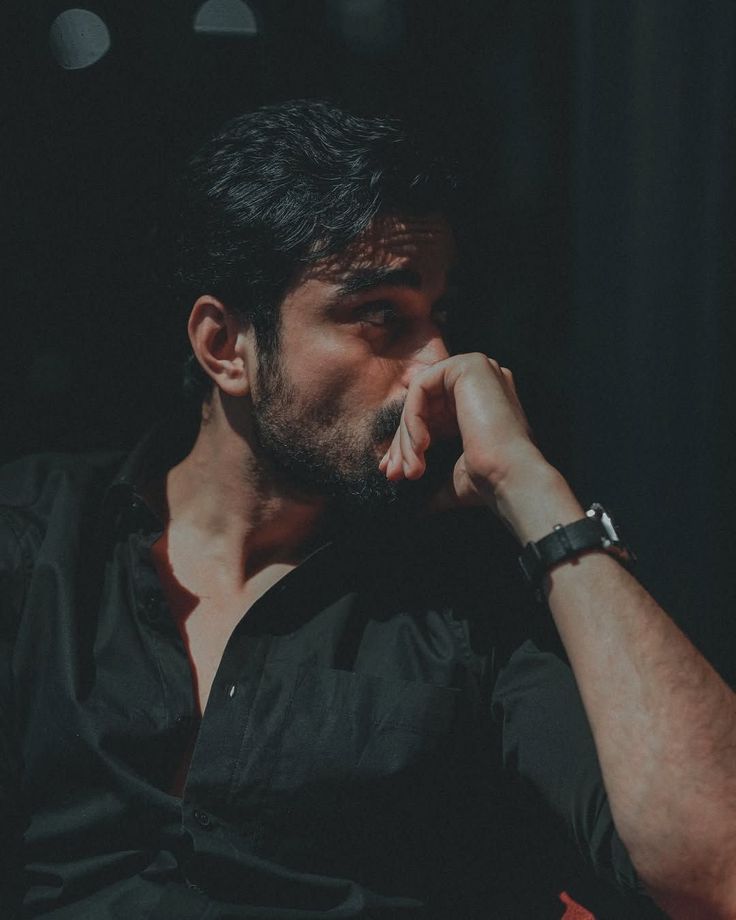 DALL-E
dark cinematic low-key color portrait of [SUBJECT: young handsome man mid 20s, wavy hair and dense beard, inte…
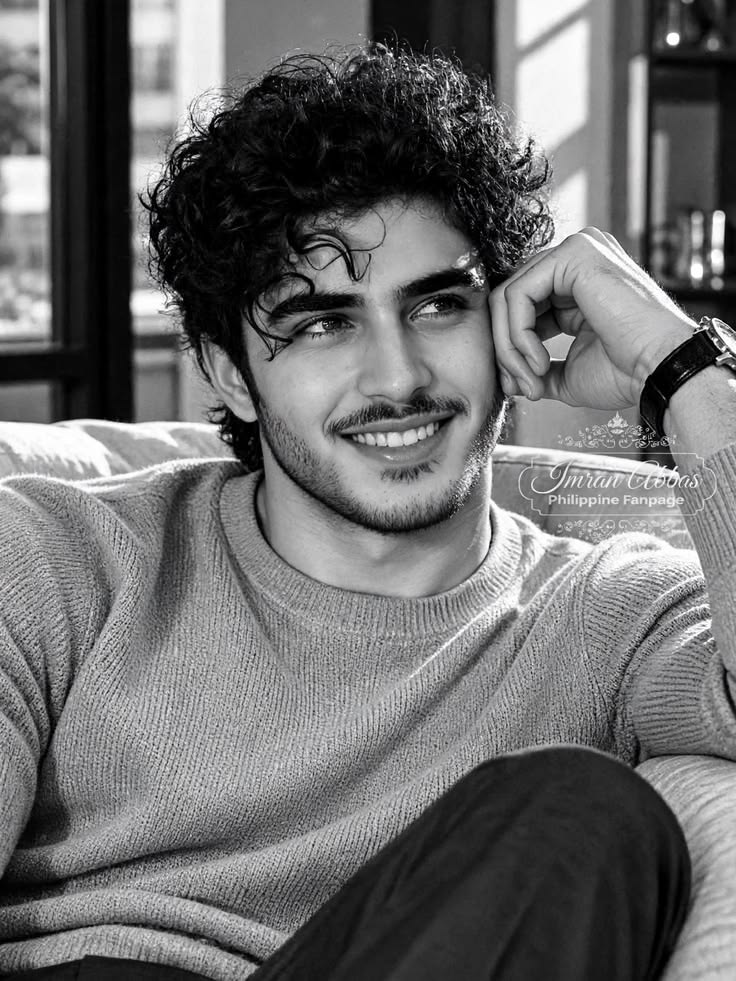 DALL-E
black and white warm cozy smiling portrait of [SUBJECT: young handsome man early 20s, thick eyebrows, curly ha…
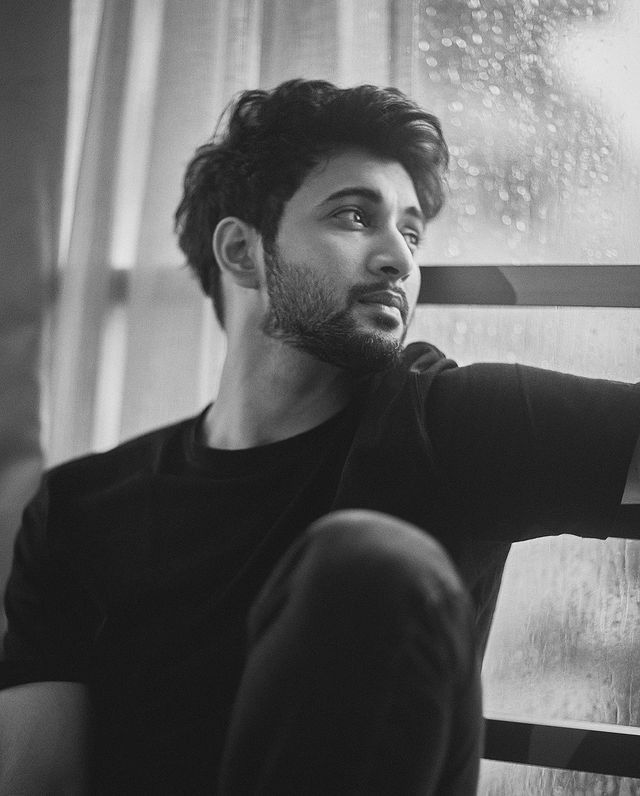 DALL-E
black and white rainy window pensive portrait of [SUBJECT: young handsome man mid 20s, soft features, wavy hai…
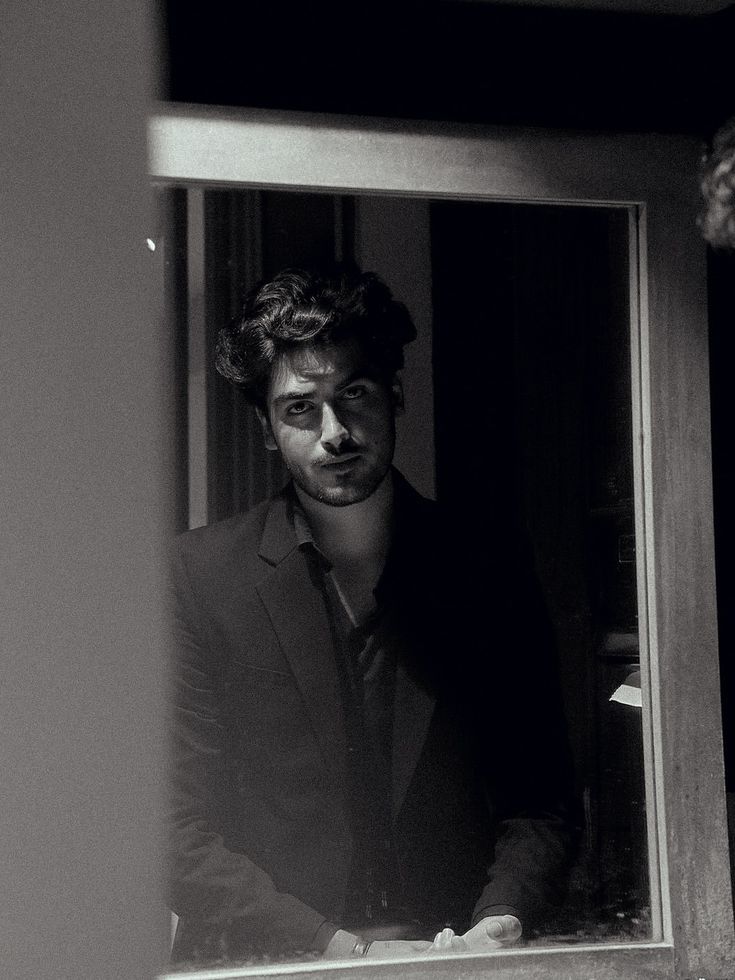 DALL-E
black and white cinematic window reflection portrait of [SUBJECT: young handsome man mid 20s, wavy curly hair,…
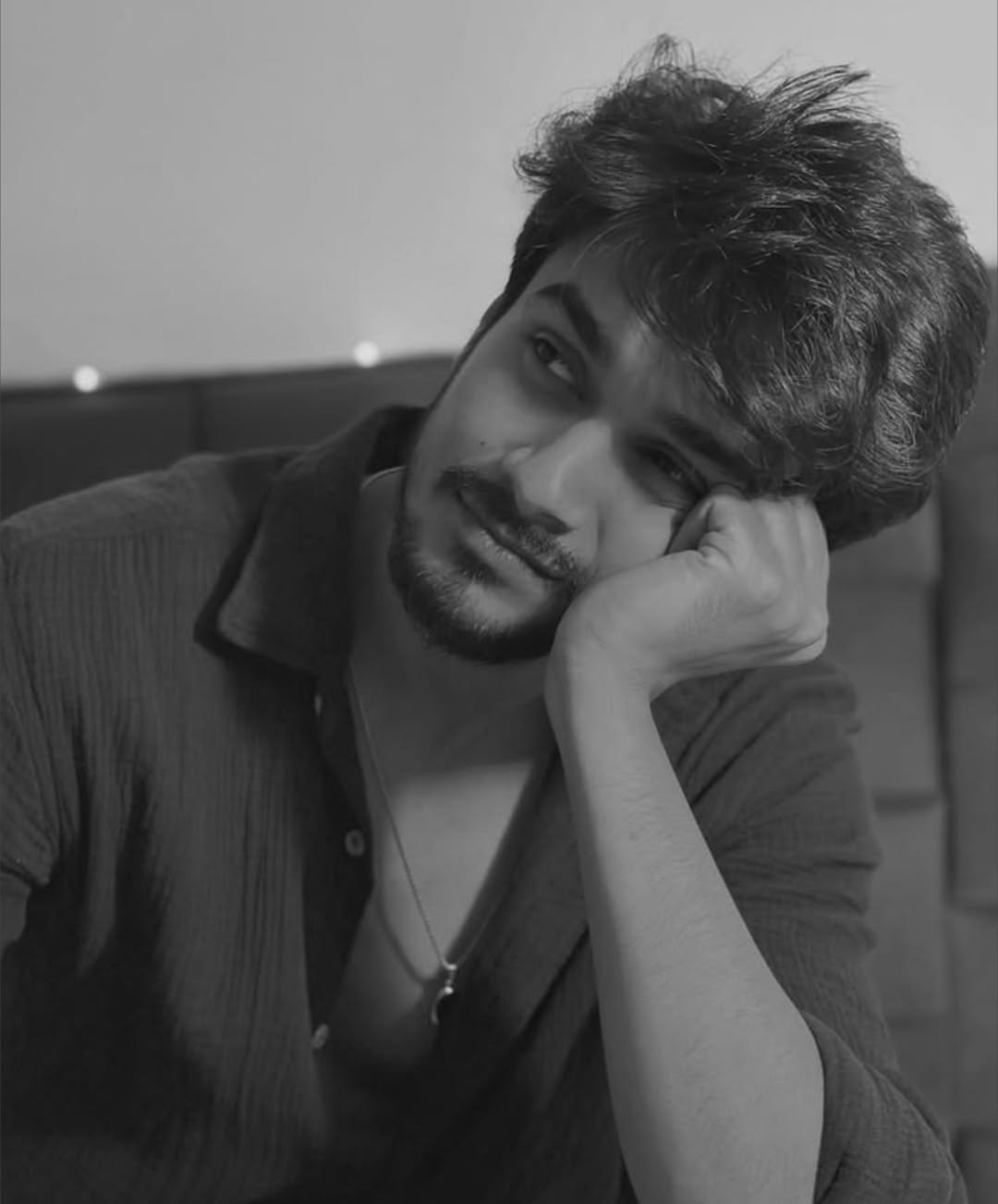 DALL-E
black and white cute romantic portrait of [SUBJECT: young handsome man early 20s, soft boy, thick eyebrows, mu…
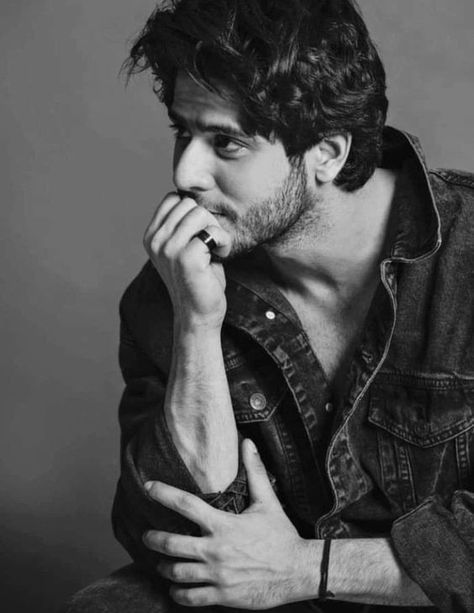 DALL-E
black and white moody editorial portrait of [SUBJECT: young handsome man mid 20s, South Asian features, wavy c…
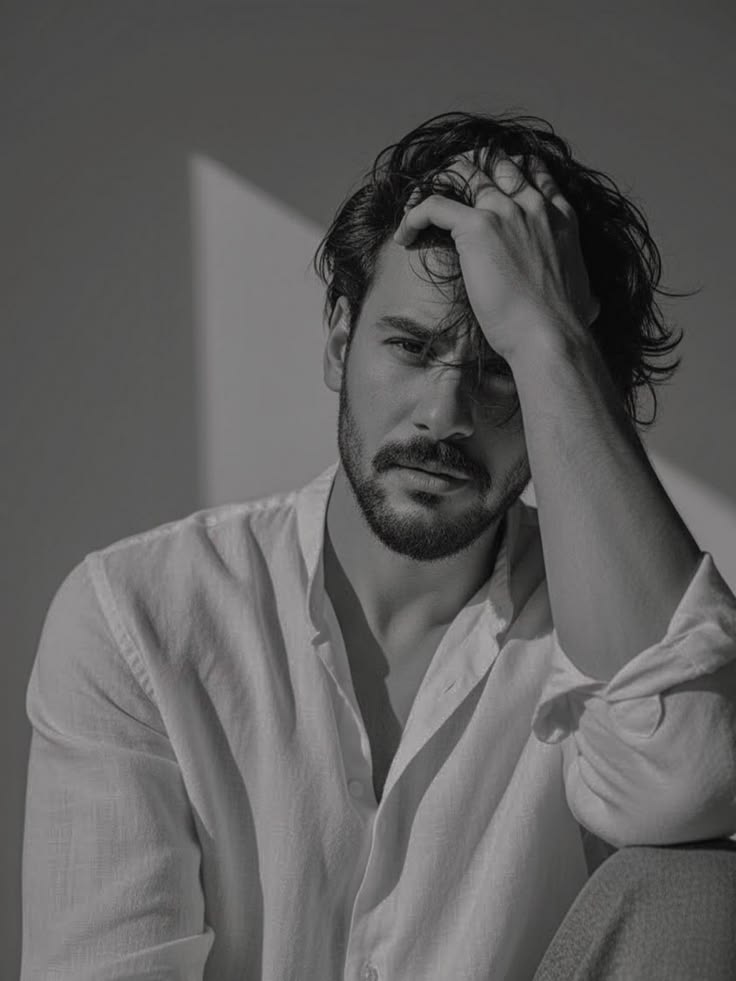 DALL-E
MASTER CLONE PROMPT - VULNERABLE WHITE SHIRT PORTRAIT: black and white moody editorial portrait of [SUBJECT…
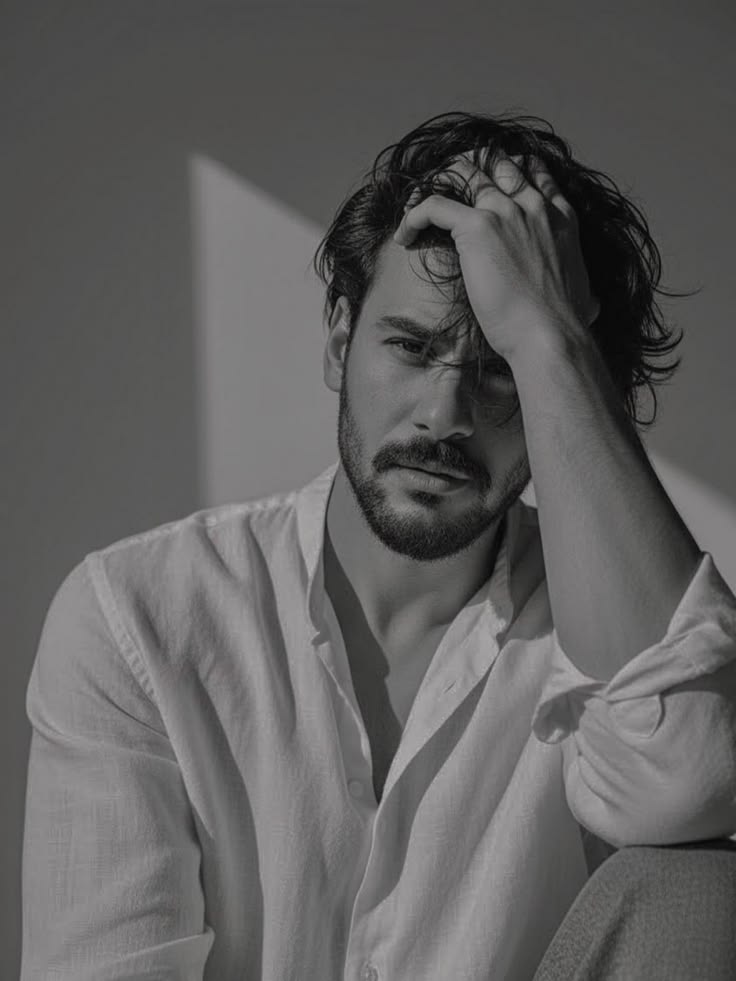 DALL-E
moody black and white editorial portrait of [SUBJECT: young handsome man late 20s, European look, sharp jawlin…
 DALL-E
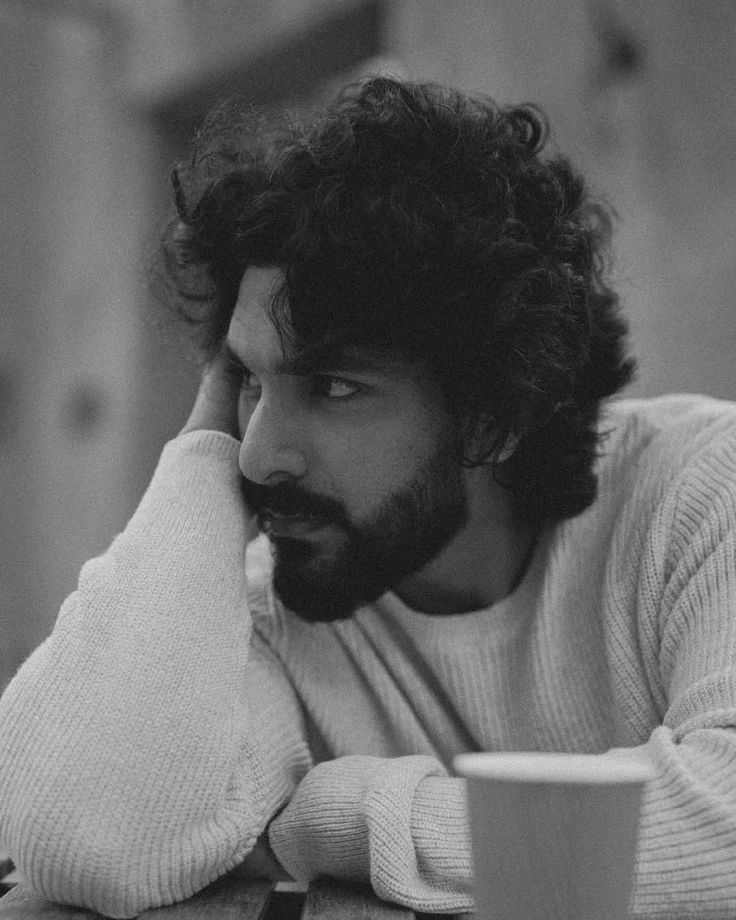
moody black and white cinematic portrait of [SUBJECT: young handsome man mid 20s, intense brooding look, curly…
 DALL-E
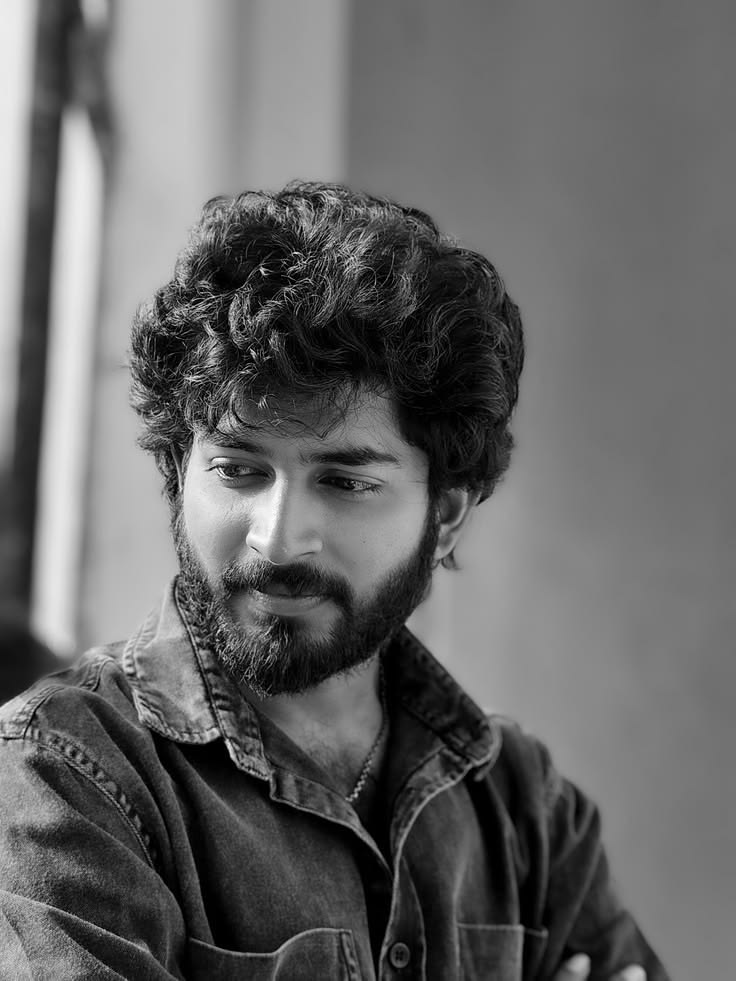
fine art black and white portrait of [SUBJECT: young South Indian handsome man mid 20s, soft features, wheatis…
 DALL-E
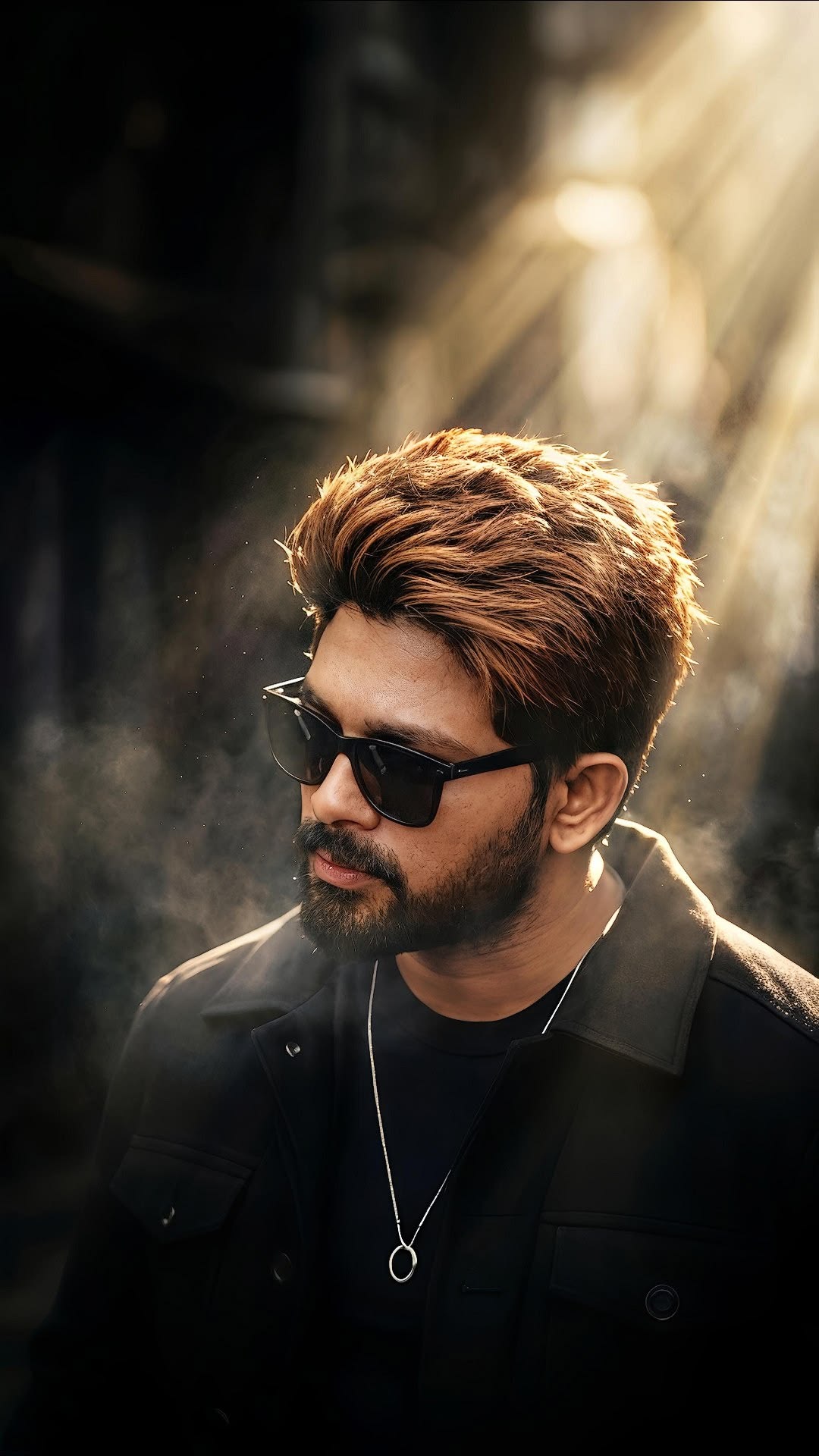
cinematic sunray god rays portrait of [SUBJECT: South Indian handsome man in late 20s, wheatish skin tone, thi…
 DALL-E
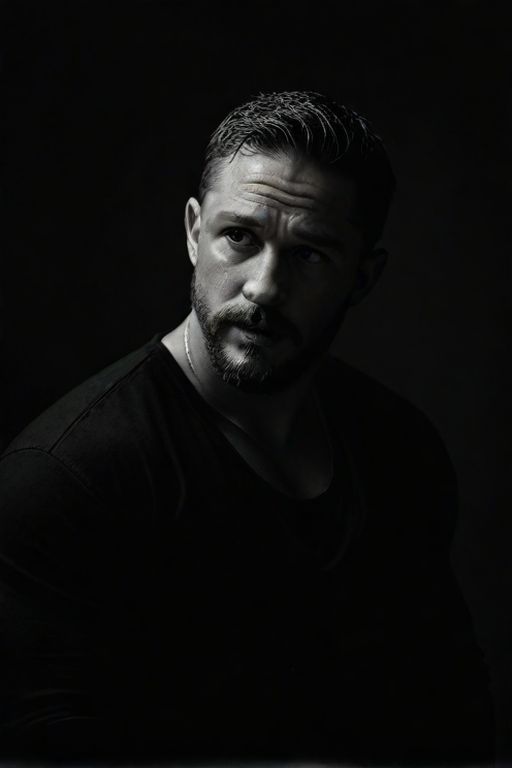
black and white cinematic low-key portrait of [SUBJECT: man in early 30s, rugged masculine face, light skin wi…
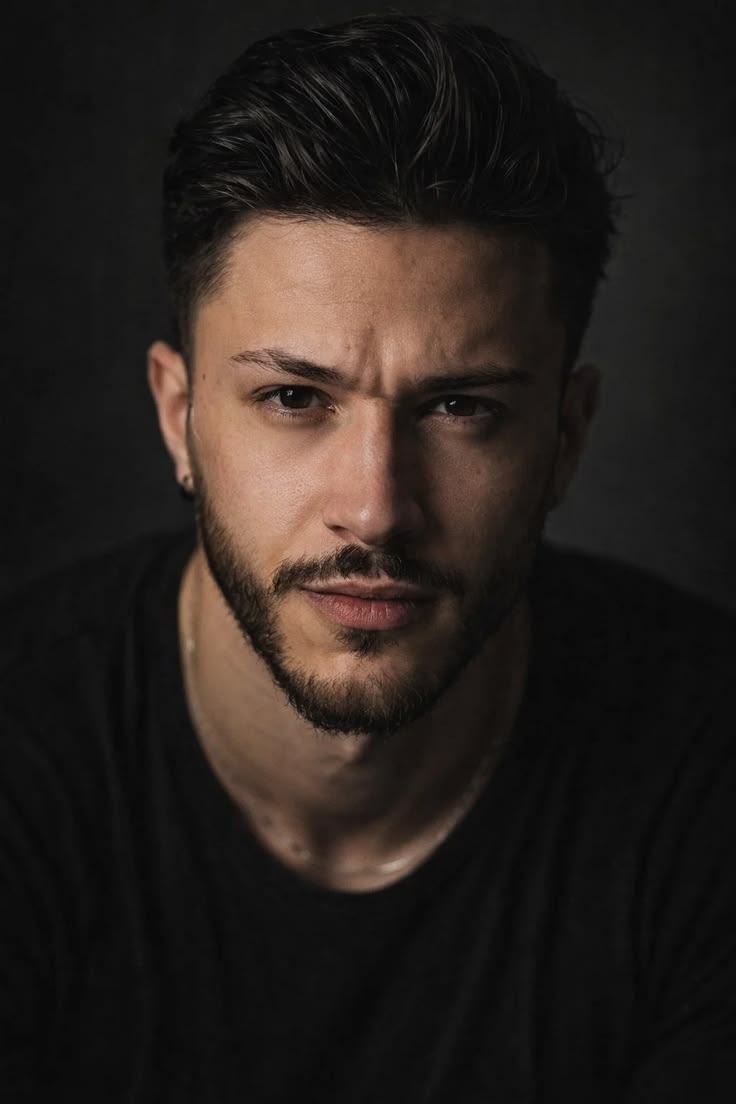 DALL-E
hyper-realistic intense studio headshot portrait of [SUBJECT: young man mid 20s, light olive skin tone, sharp …
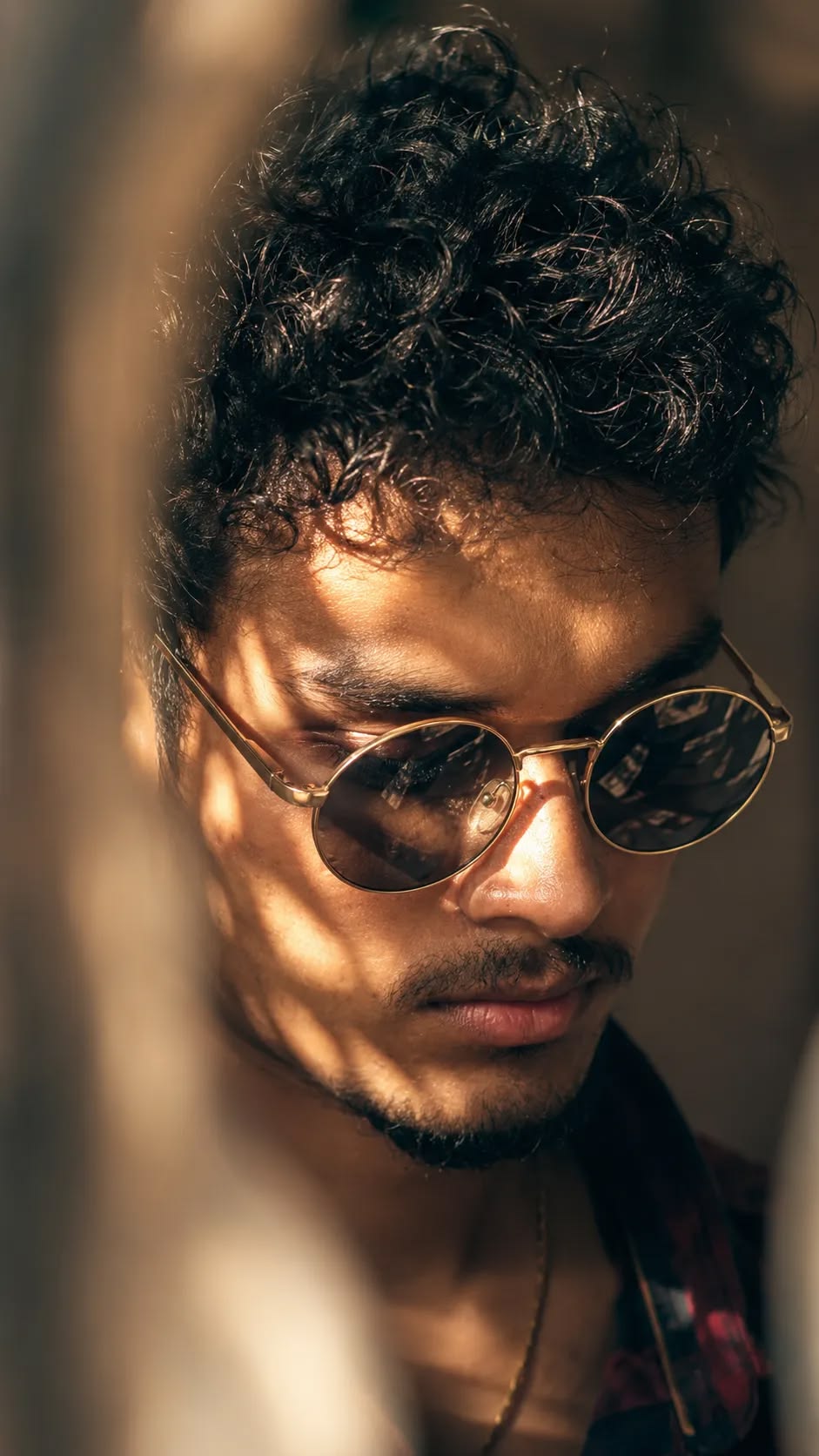 DALL-E
🔒 Pro
DALL-E
🔒 Pro 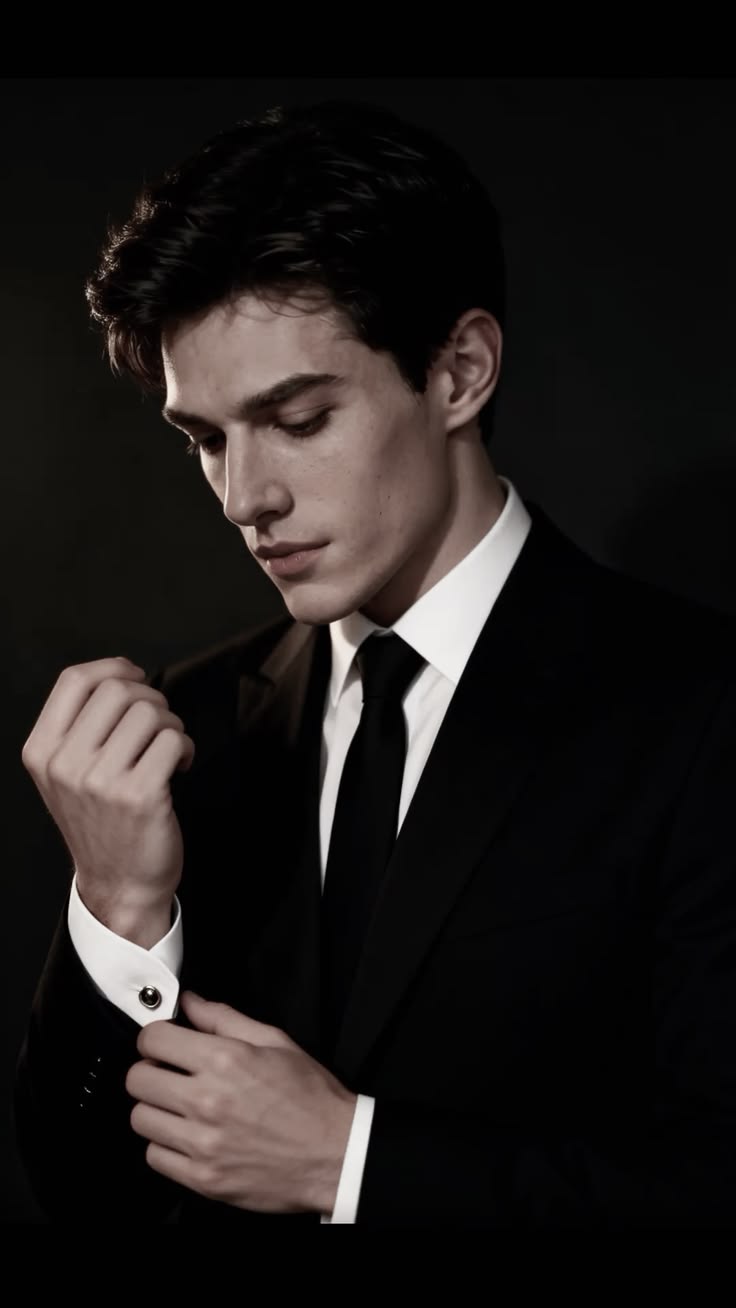 Ideogram
elegant black suit portrait of [SUBJECT - e.g., a young handsome man with dark wavy voluminous side-parted hai…
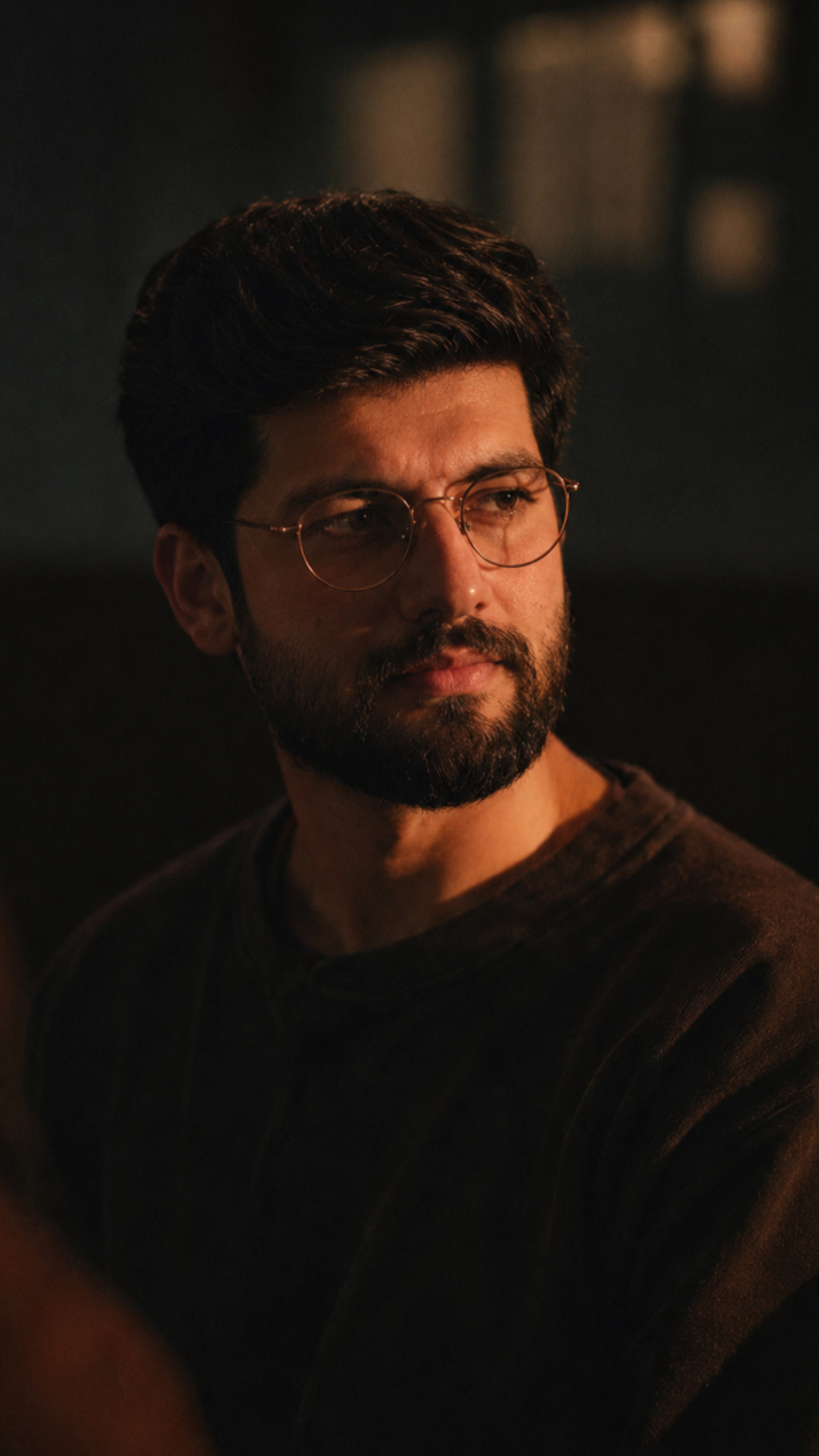 DALL-E
cinematic low-key portrait of [SUBJECT - e.g., a man with short dark neatly combed hair and full dense beard a…
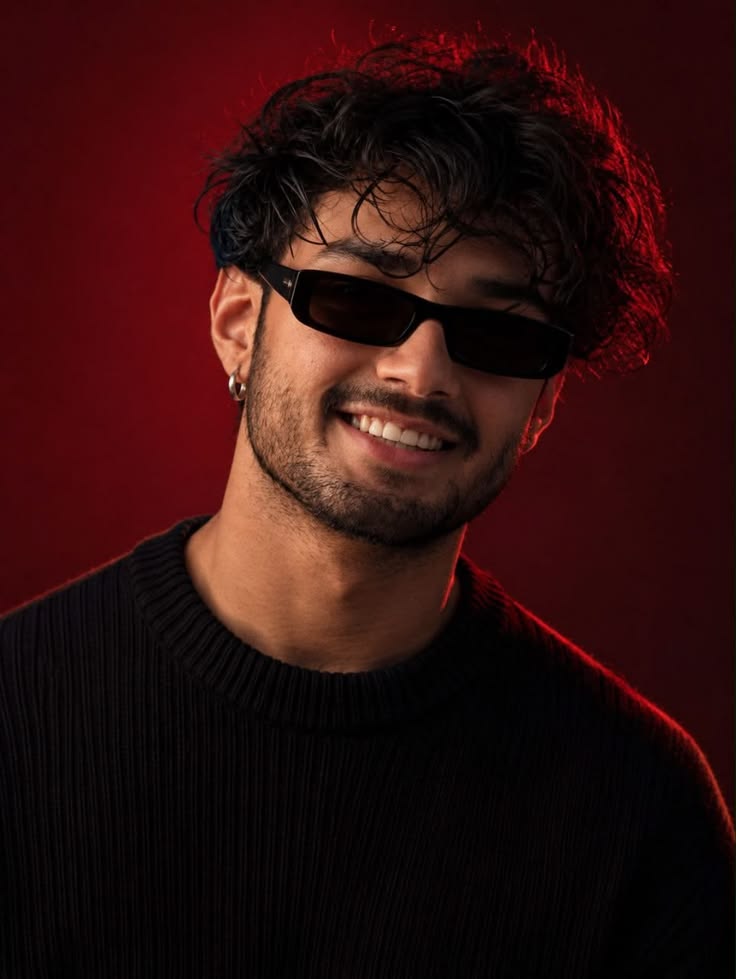 DALL-E
vibrant studio portrait of [SUBJECT - e.g., a young man with thick curly wet dark hair and trimmed stubble bea…
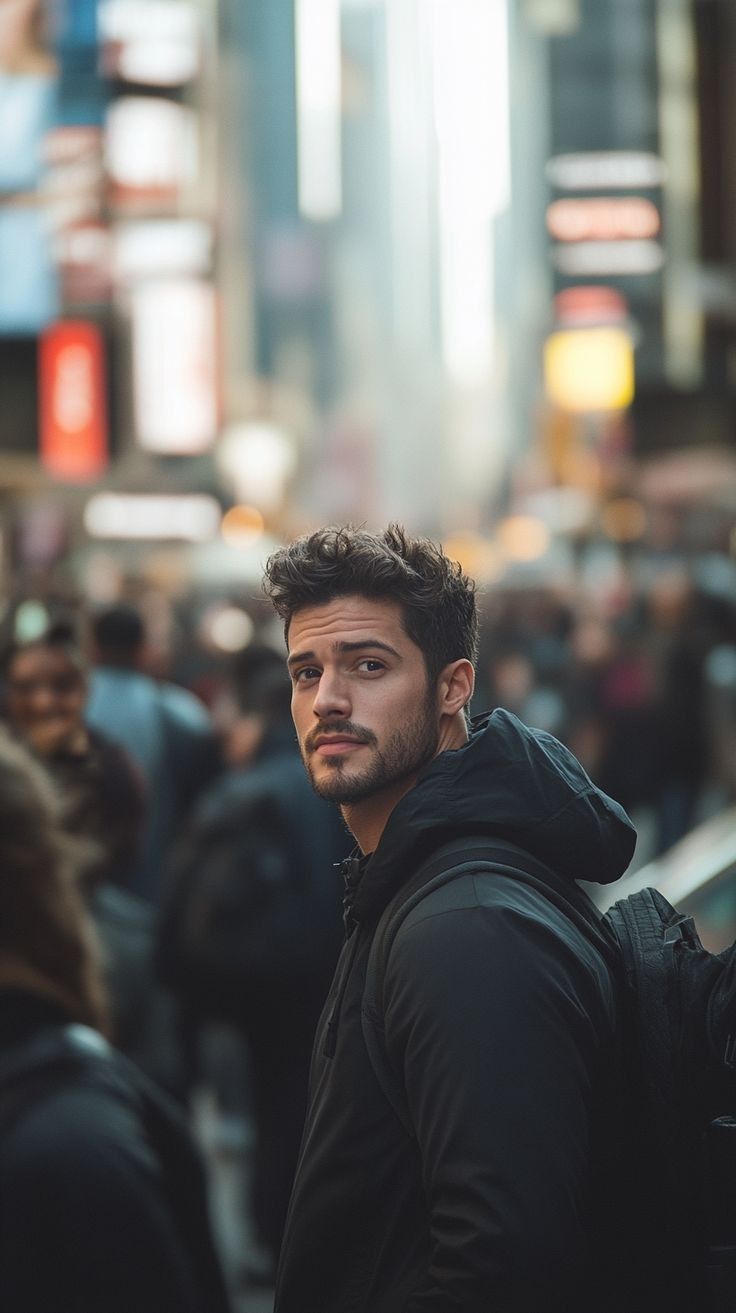 DALL-E
🔒 Pro
DALL-E
🔒 Pro 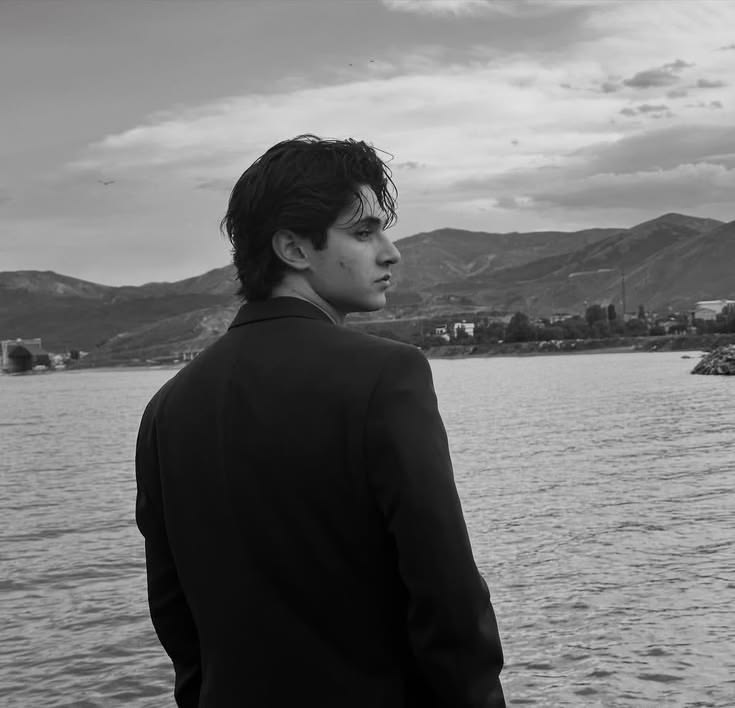 DALL-E
black and white cinematic portrait of [SUBJECT - e.g., a young man with medium length dark tousled wavy hair],…
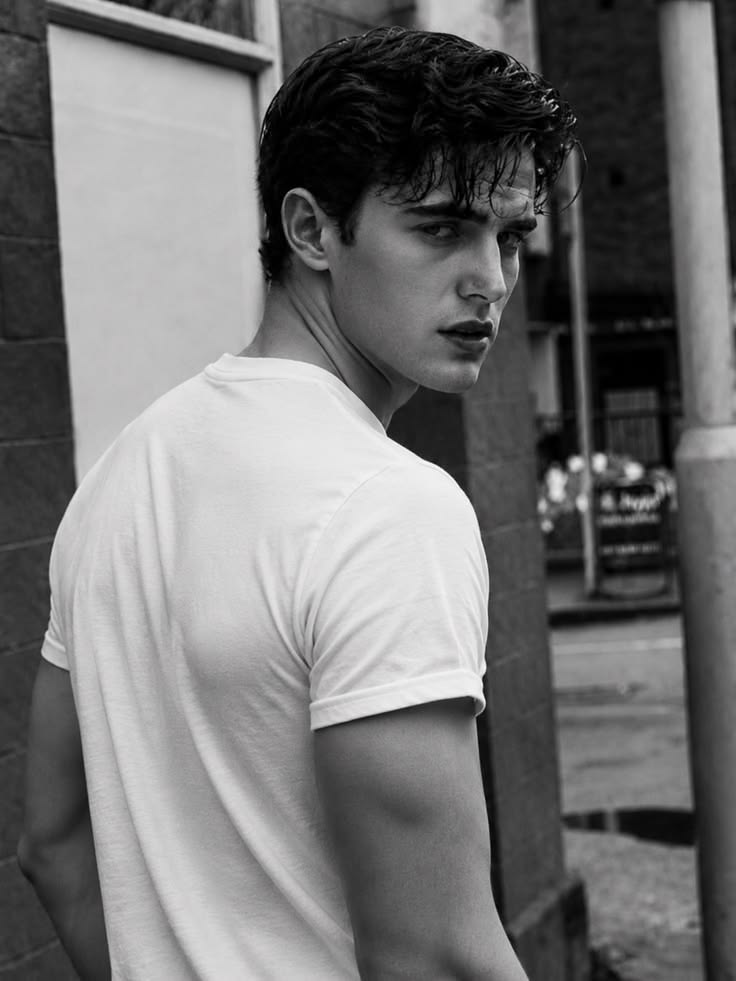 DALL-E
🔒 Pro
DALL-E
🔒 Pro 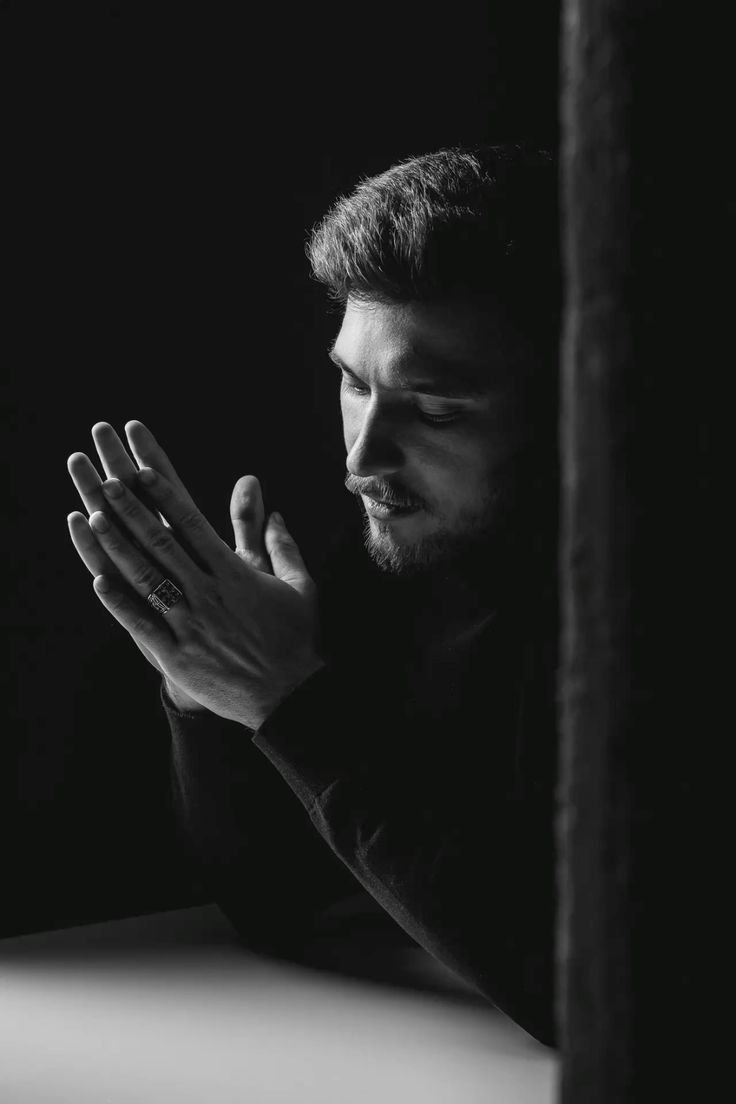 DALL-E
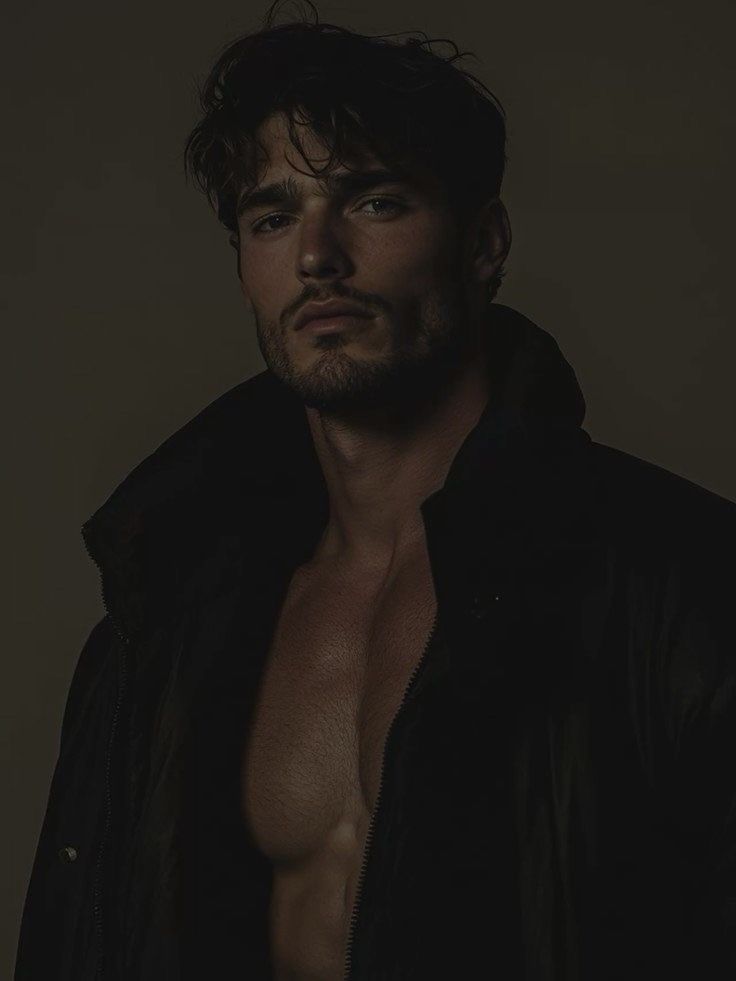
black and white fine art portrait of [SUBJECT - e.g., a man with short neatly styled dark hair and trimmed bea…
 DALL-E
⭐
DALL-E
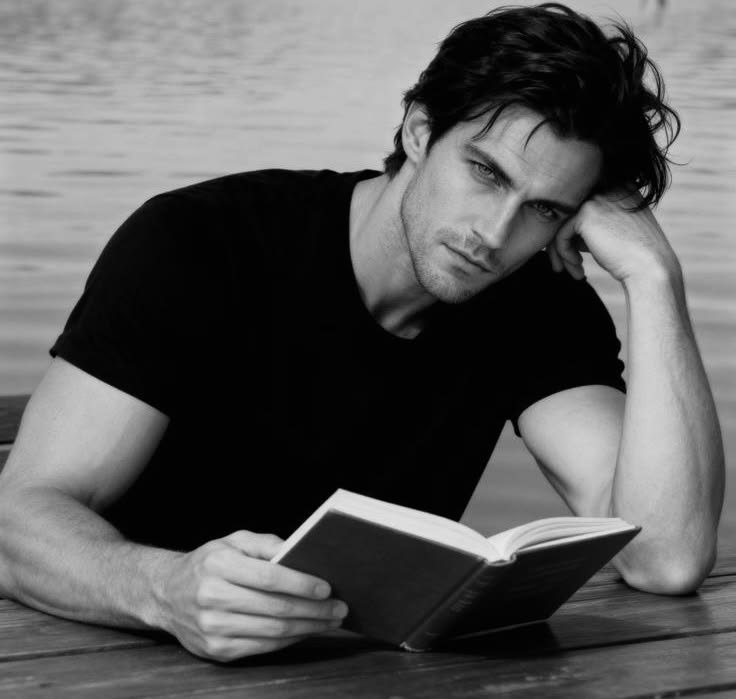
⭐ black and white lifestyle portrait of [SUBJECT - e.g., a handsome man with messy wavy dark hair and light stub…
 DALL-E
🔒 Pro
DALL-E
🔒 Pro 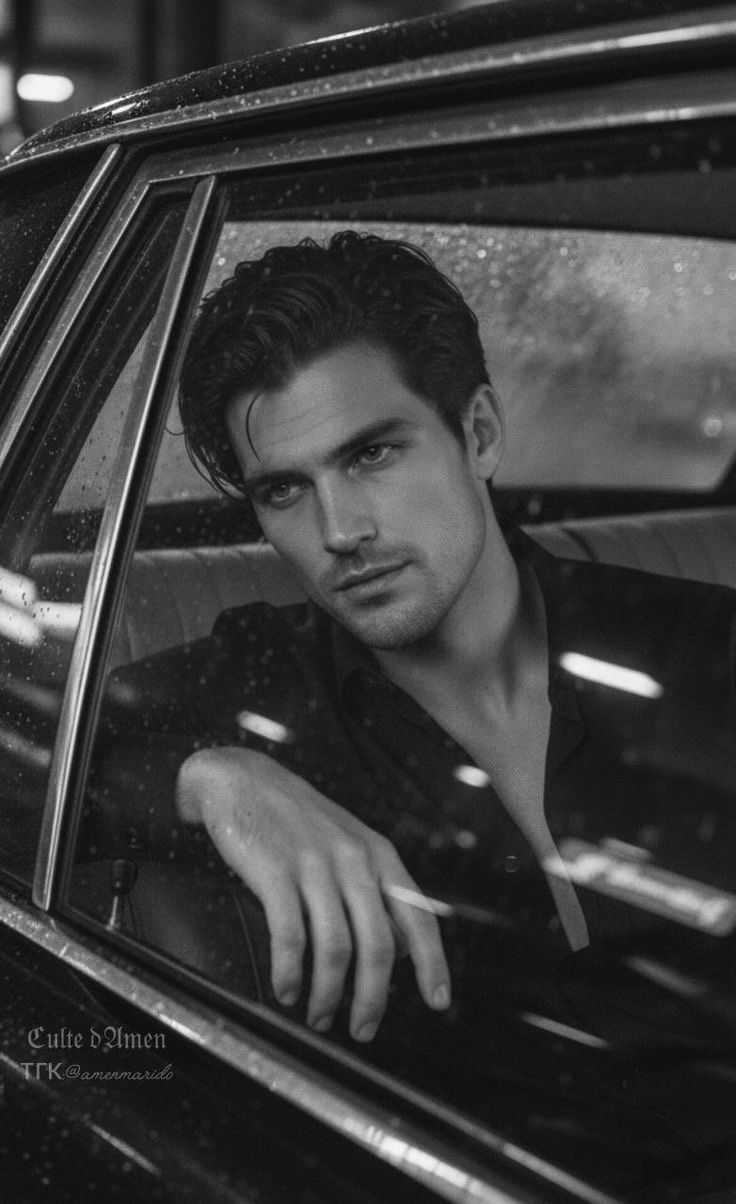 DALL-E
⭐
DALL-E
⭐ black and white cinematic portrait of [SUBJECT - e.g., a handsome man with slicked back dark wet hair and ligh…
 DALL-E
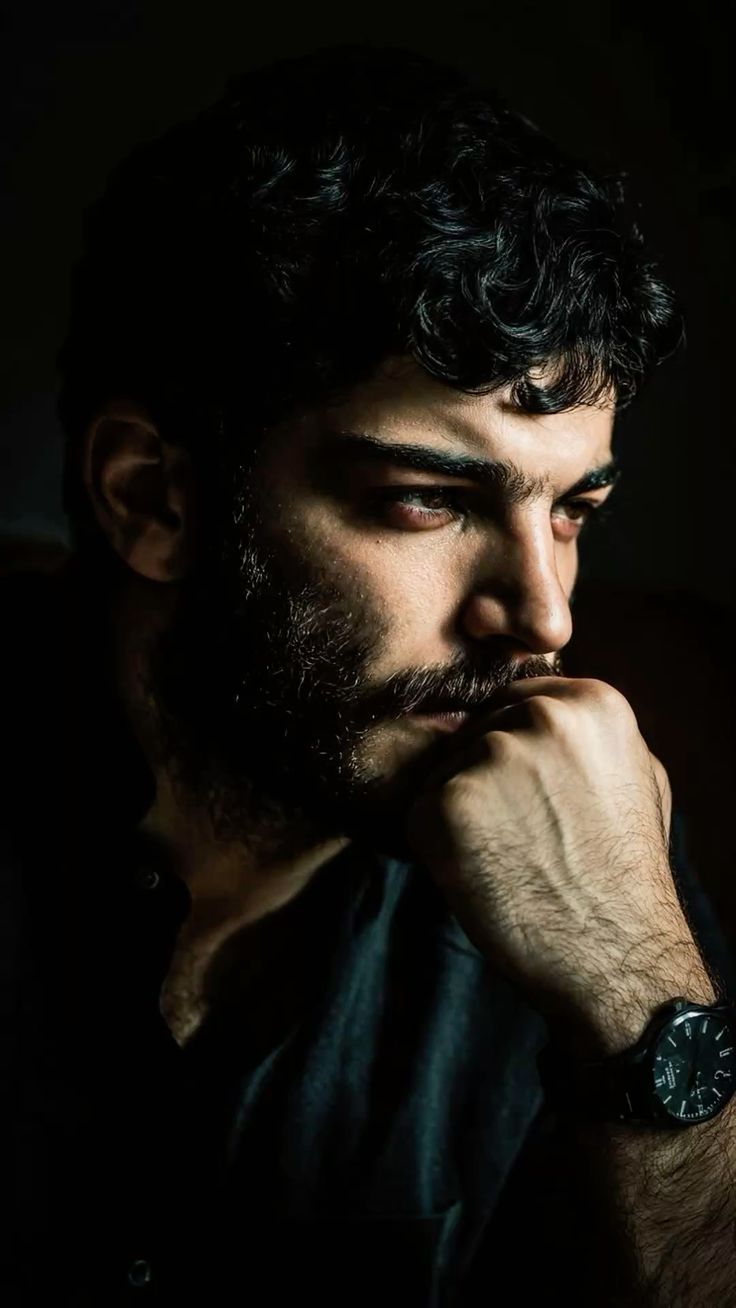
cinematic moody portrait of [SUBJECT - e.g., a man with thick curly black hair and full dense beard and mustac…
 DALL-E
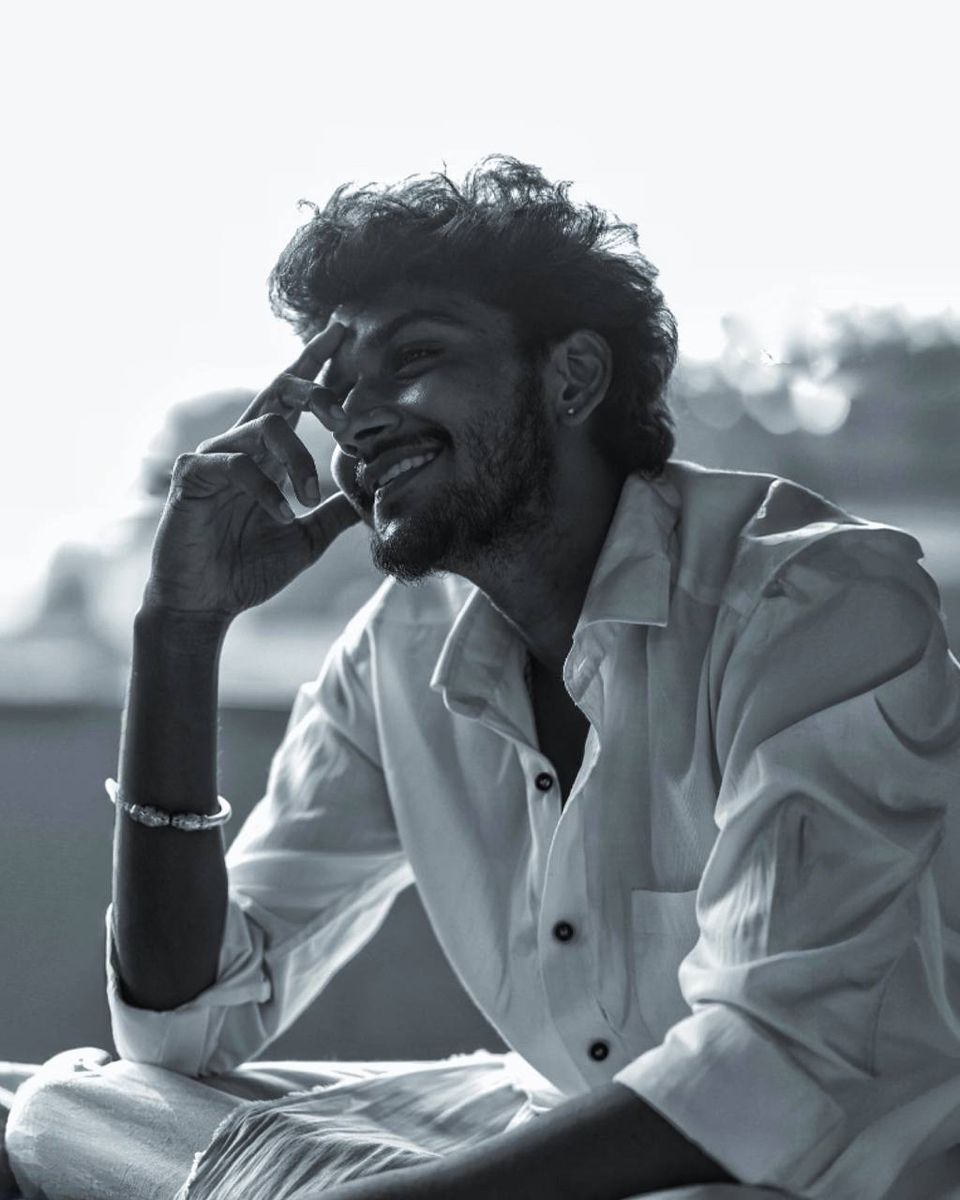
black and white candid portrait of [SUBJECT - e.g., a young man with curly voluminous dark hair and trimmed be…
 DALL-E
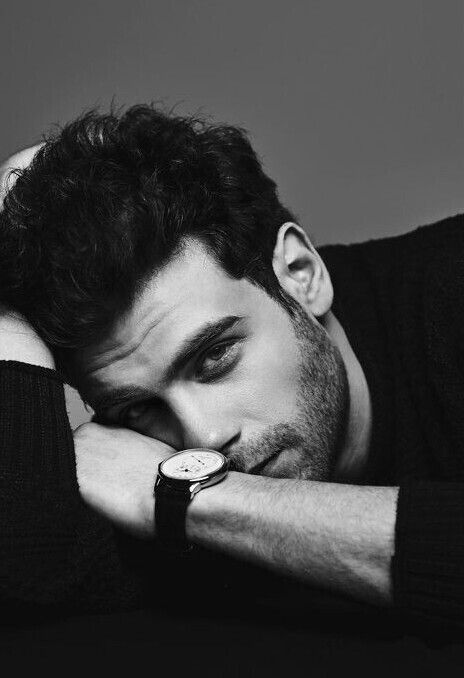
black and white editorial portrait of [SUBJECT - e.g., a young man with thick curly dark hair and light stubbl…
![cinematic side profile of [SUBJECT - e.g., a young man with beard], wearing [CLO — DALL-E AI Image Prompt](https://aipromy.com/wp-content/uploads/2026/10/4cf98169ba4956e3e7a01c977444513a.jpg) DALL-E
DALL-E
cinematic side profile of [SUBJECT - e.g., a young man with beard], wearing [CLOTHING - e.g., a beige oversize…
 DALL-E
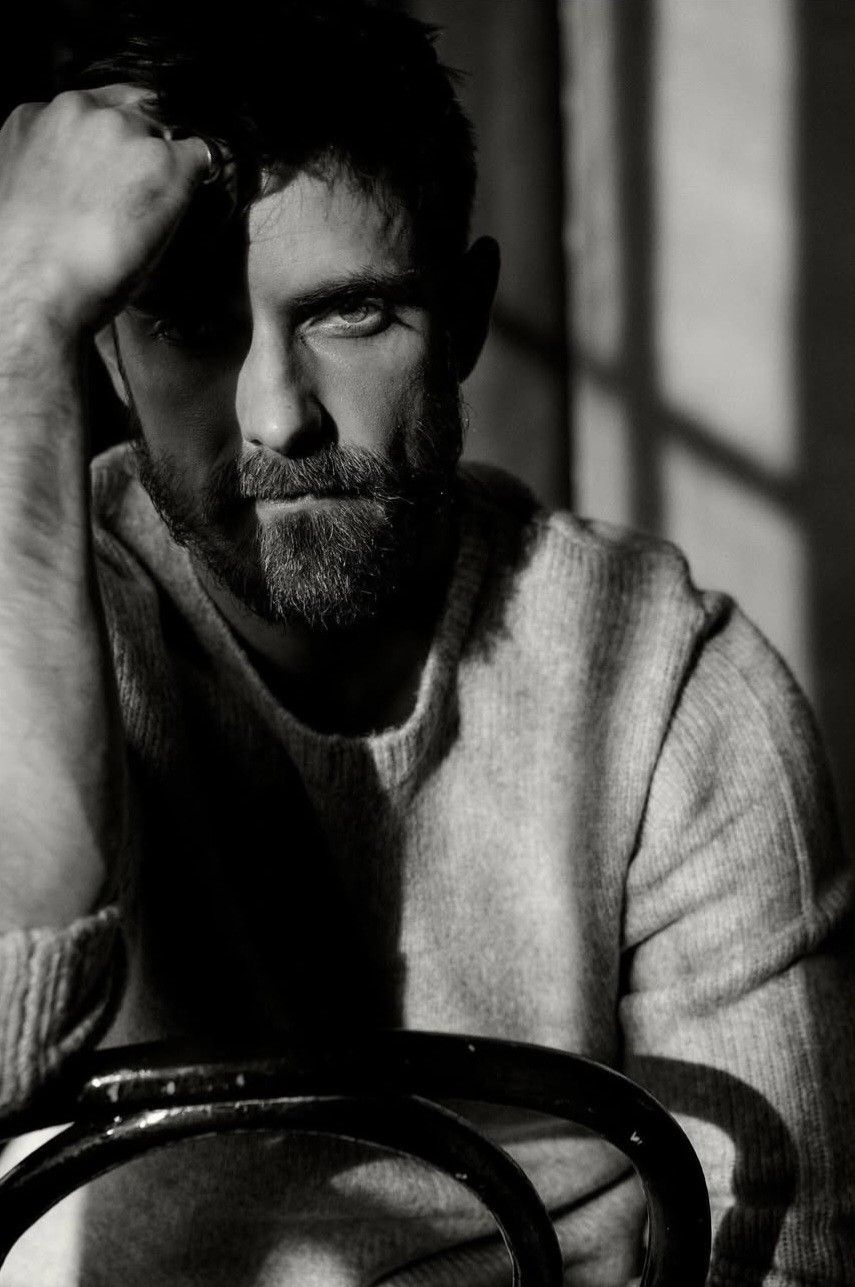
intense black and white cinematic portrait of [SUBJECT - e.g., a man with short dark hair and trimmed beard], …
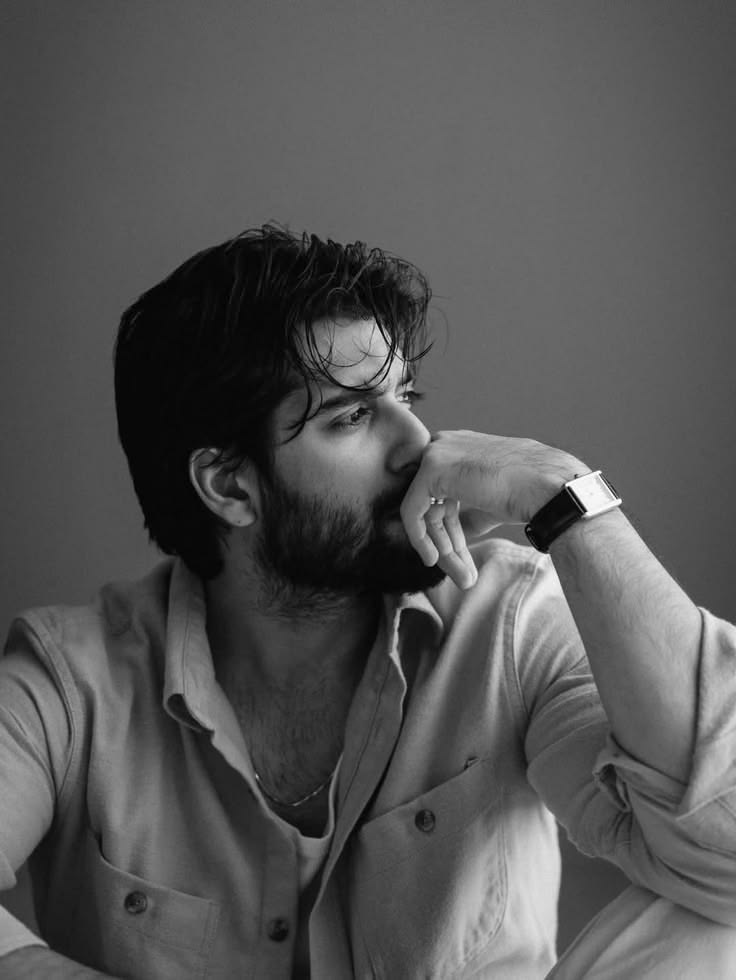 DALL-E
black and white editorial portrait of [SUBJECT - e.g., a young man with dark wavy wet hair and full beard], we…
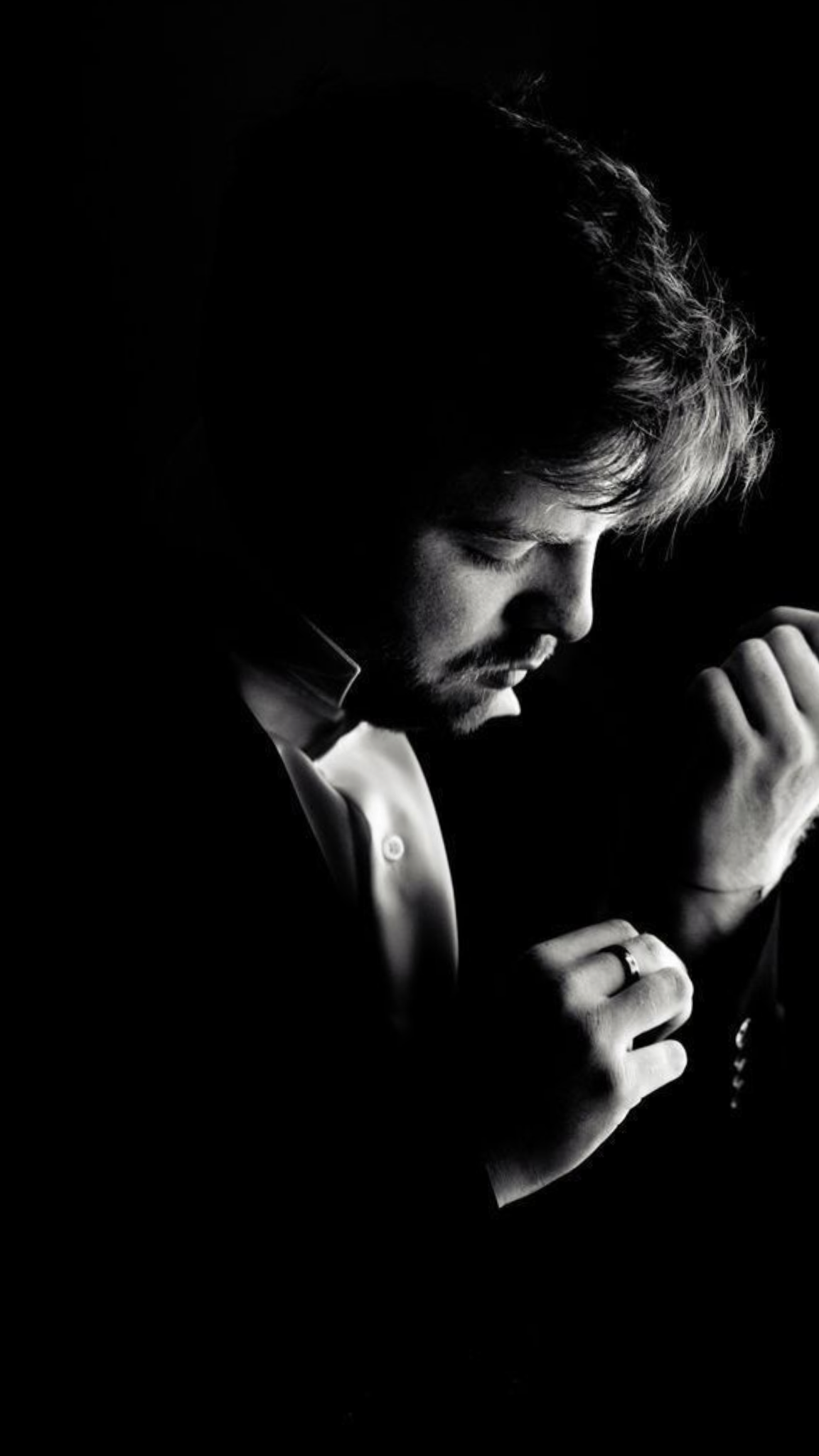 DALL-E
black and white fine art portrait of [SUBJECT - e.g., a young man with messy wavy hair and light beard], weari…
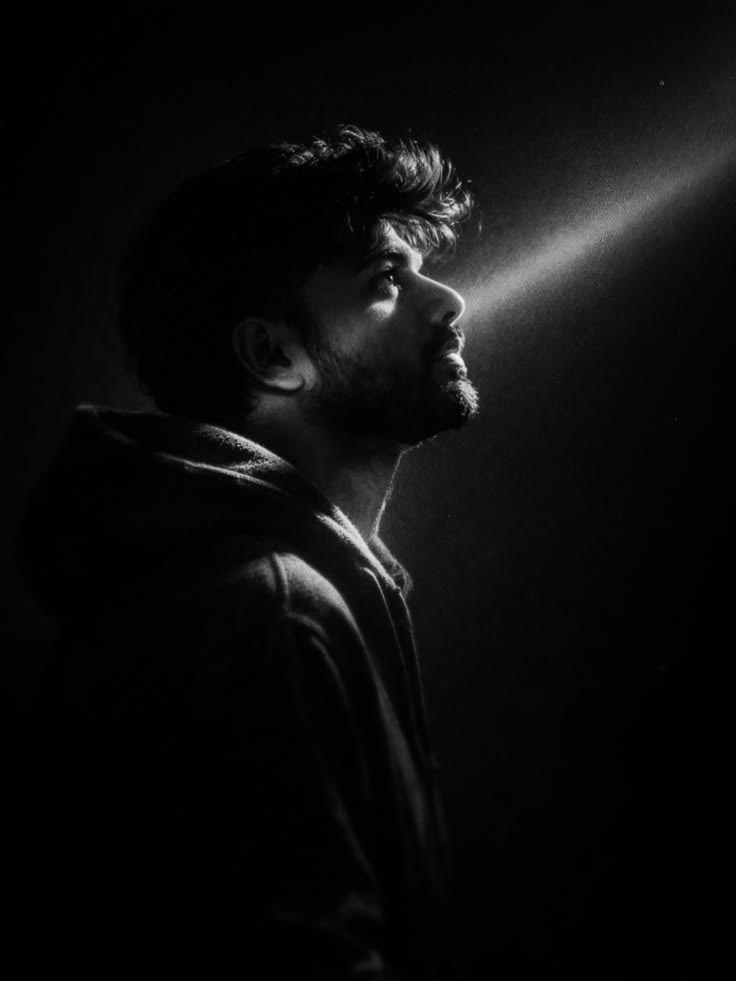 DALL-E
black and white cinematic portrait of [SUBJECT - e.g., a young man with thick messy hair and full beard], in p…
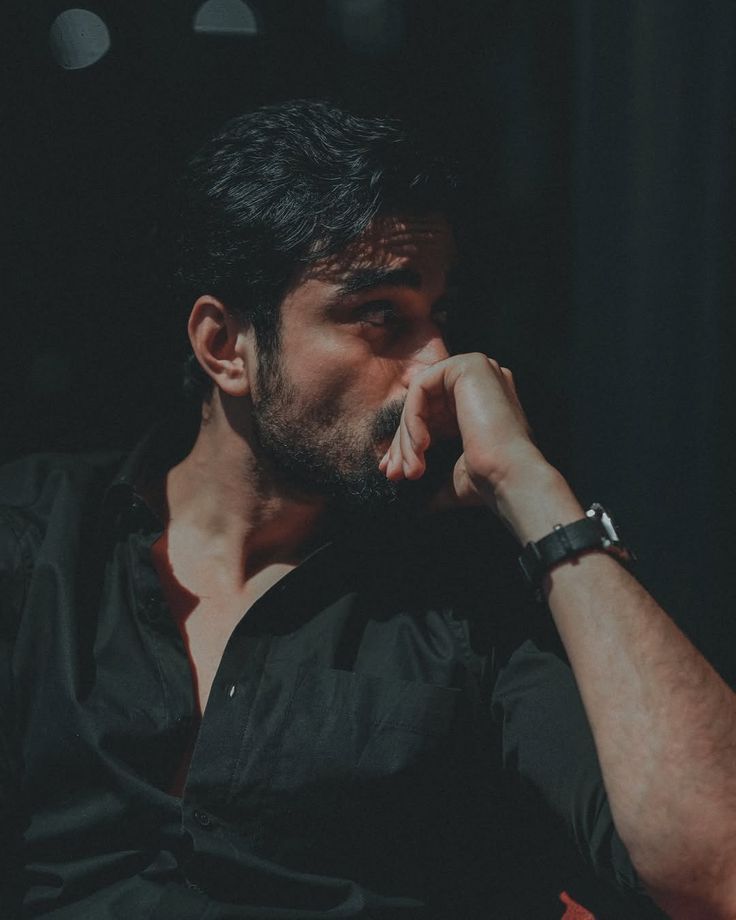 DALL-E
Cinematic portrait of [SUBJECT - e.g., a young man with thick black hair and trimmed beard], wearing an unbutt…
![Cinematic portrait of [SUBJECT - e.g., a young man in his 20s], tousled wavy [HA — DALL-E AI Image Prompt](https://aipromy.com/wp-content/uploads/2026/10/9423554380e3602574fd97846600330c.jpg) DALL-E
DALL-E
Cinematic portrait of [SUBJECT - e.g., a young man in his 20s], tousled wavy [HAIR COLOR AND STYLE - e.g., dar…
How to Write WhatsApp DP / Status Prompts
Centered composition and circular-crop awareness matter most in a WhatsApp DP status prompt.
1. Center the Subject Tightly: "Subject centered, filling most of the frame" avoids awkward cropping in a WhatsApp DP status prompt.
2. Keep the Background Simple: "Soft blurred or plain background" keeps focus on the subject in a WhatsApp DP status prompt.
3. Use Bold, Clear Colour: "Vivid colour, high clarity" helps a WhatsApp DP status prompt stay visible at small display size.
4. Avoid Fine Edge Detail: "Important elements kept away from the frame edges" protects against circular crop loss in a WhatsApp DP status prompt.
Popular Styles Within WhatsApp DP / Status
1. Aesthetic Profile DP: Stylized, artistic close-up, a popular WhatsApp DP status prompt style.
2. Minimalist DP: Simple background and clean subject focus, a clean WhatsApp DP status prompt direction.
3. Quote/Text Status Visual: Bold typography with simple background, a common WhatsApp DP status prompt style for status updates.
4. Mood/Aesthetic Status Image: Atmospheric, vibe-driven visuals, a trend-driven WhatsApp DP status prompt direction.
Best AI Tools for WhatsApp DP / Status Prompts
Midjourney v6/v7: Excellent at bold, centered subjects that hold up in a circular crop for a WhatsApp DP status prompt.
Google Gemini / Flux: Reliable for sharp facial detail at small sizes in a WhatsApp DP status prompt.
ChatGPT-4o (DALL-E 3): Good for following specific mood or theme instructions in a WhatsApp DP status prompt.
Leonardo AI & Stable Diffusion XL: Stable Diffusion XL allows fine control over framing and clarity for a crop-safe WhatsApp DP status prompt.
Frequently Asked Questions
What are WhatsApp DP / Status AI image prompts?
WhatsApp DP / Status AI image prompts are ready-to-use text instructions for AI image generators like Midjourney, Google Gemini, DALL-E, and Flux. Find 34+ free WhatsApp DP / Status prompts on AIPromy.
Which AI tools work with these WhatsApp DP / Status prompts?
These WhatsApp DP / Status prompts work with Midjourney, Google Gemini, DALL-E 3, Flux, Stable Diffusion, Adobe Firefly, and Leonardo AI.
Are WhatsApp DP / Status AI prompts free?
Yes! AIPromy offers 34+ free WhatsApp DP / Status AI image prompts. Copy and use them instantly with no sign-up required for basic access.
How do I use an AI WhatsApp DP / Status prompt?
Click "View" on any prompt, copy the full text, then paste it into Midjourney, DALL-E, Gemini or your preferred AI image generator to create your own whatsapp dp / status image.
🚀 Share this Prompt
Save this prompt
Create a free account to save, like & copy AI image prompts — plus access 1000+ more.