AI Passport / Visa / ID Photo Prompts
12 PromptsNobody enjoys getting a passport photo taken — the flat light, the no-smile rule, standing against a wall. But if you need an image for a mockup, a company ID, or just to test a layout before you go to a studio, having the right prompt helps.
This library has 12+ prompts built for real-world specs, not just good-looking portraits. If you searched for a passport photo AI prompt online free, you'll find ready-to-use options here that work with Midjourney, Flux, Google Gemini, Stable Diffusion and ChatGPT.
We cover everything from a standard US 2x2 format to an Indian passport size photo prompt and Schengen visa framing. Many people also look for an AI passport photo maker free tool to generate these quickly — prompts are useful when you want more control over lighting, background, and crop than a one-click app gives you.
A quick note on trust: most government agencies don't accept fully AI-generated images for official submissions. Use these for drafts, corporate badges, portfolio samples, or to create passport size photo online free as a reference before your final studio shot.
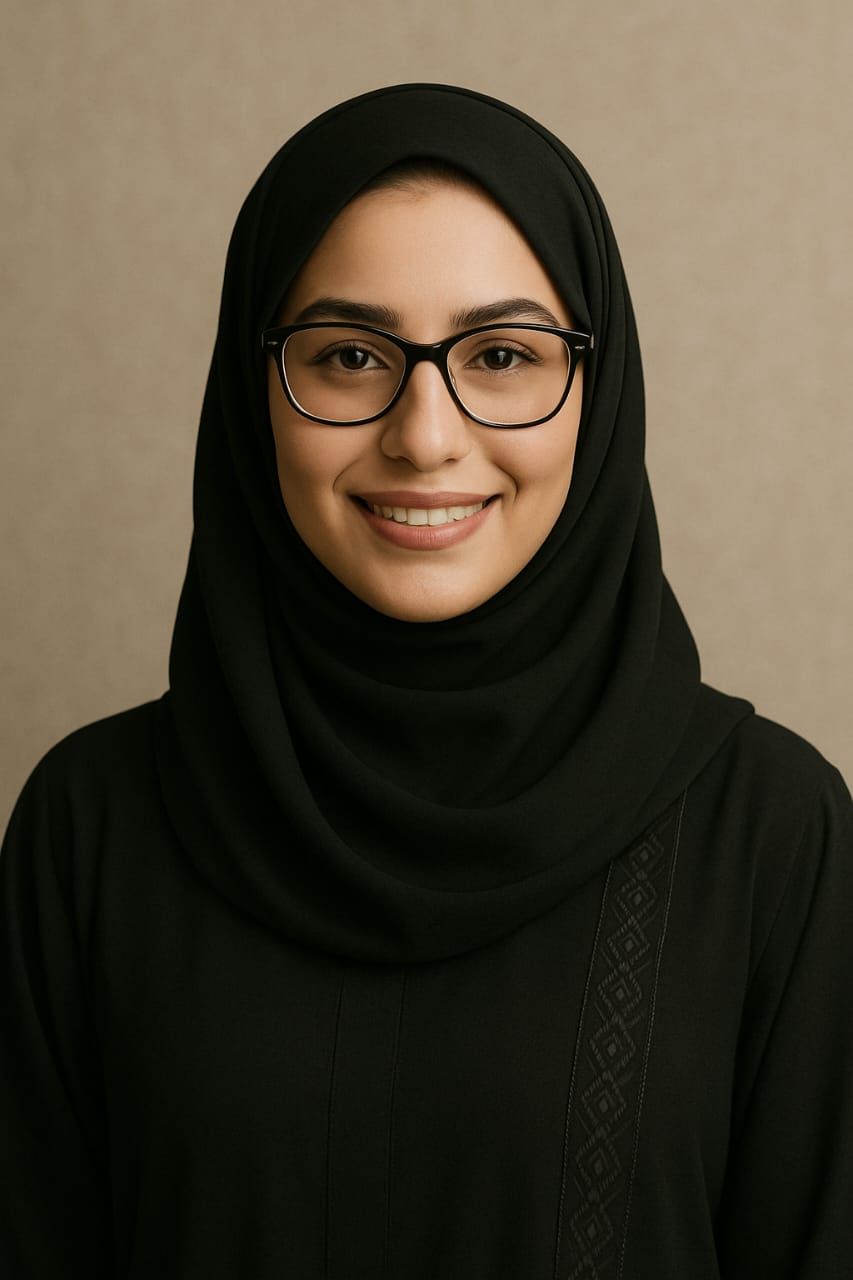 Google Gemini
Use face from IMAGE_1 exactly 100% same face identity, keep original face, do not take face from style image, …
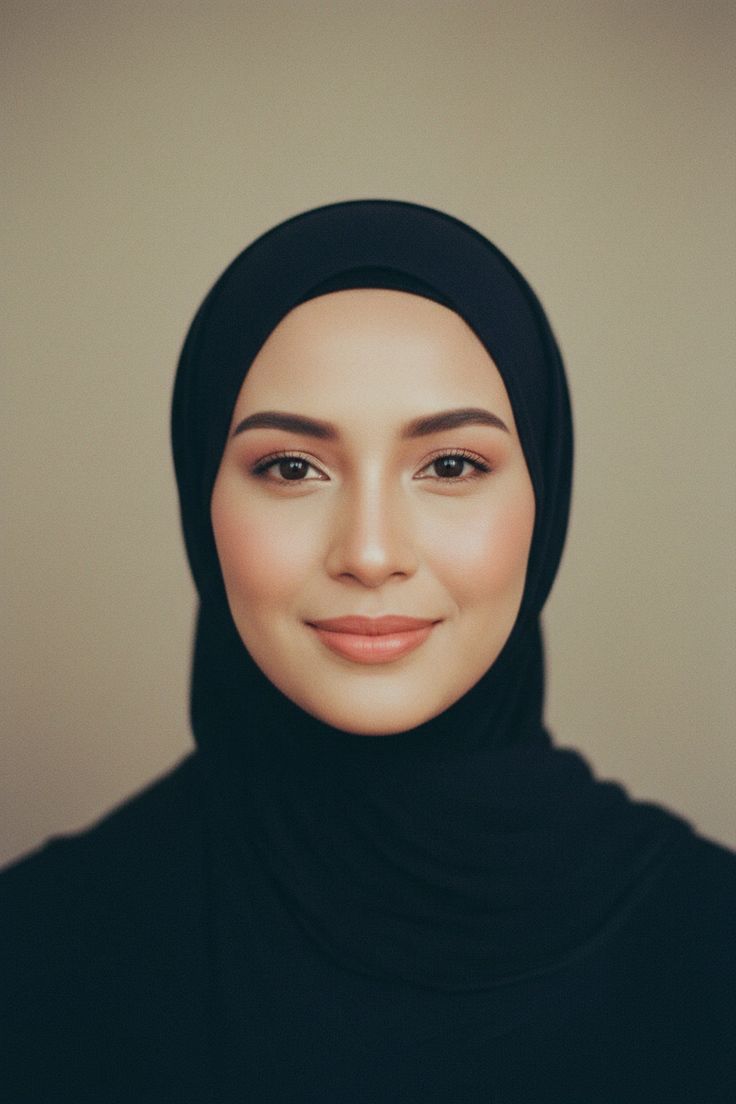 Google Gemini
Use face from IMAGE_1 exactly 100% same face identity, keep original face, do not take face from style image, …
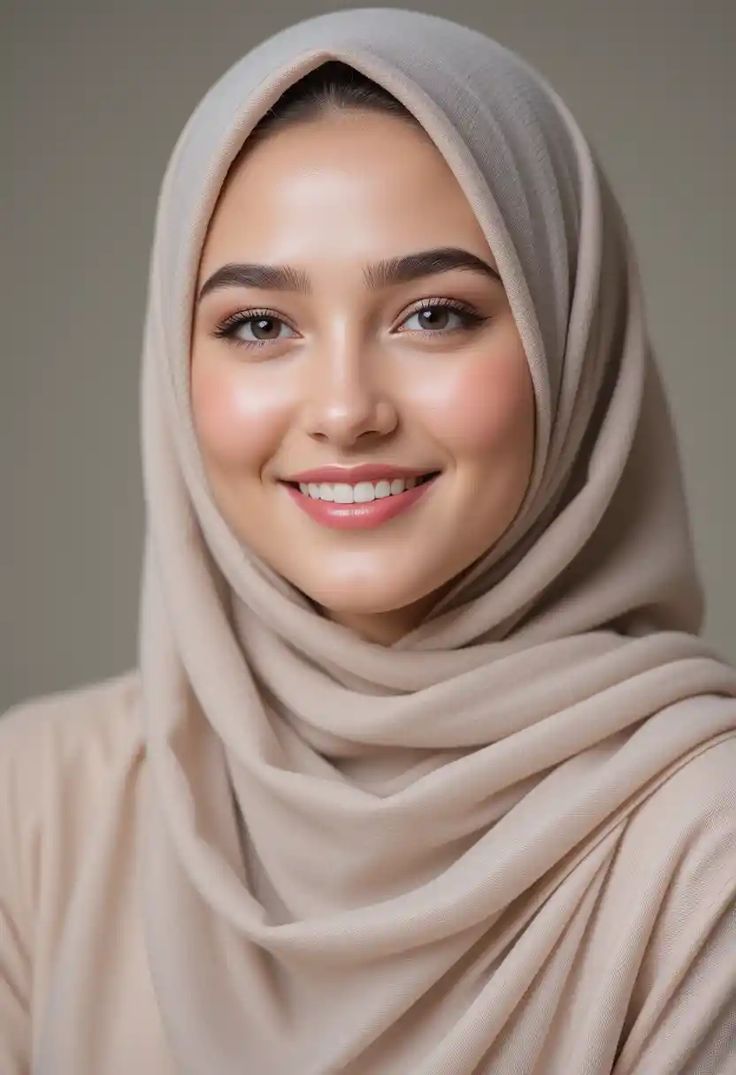 Google Gemini
Use face from IMAGE_1 exactly 100% same face identity, keep original face, do not take face from style image, …
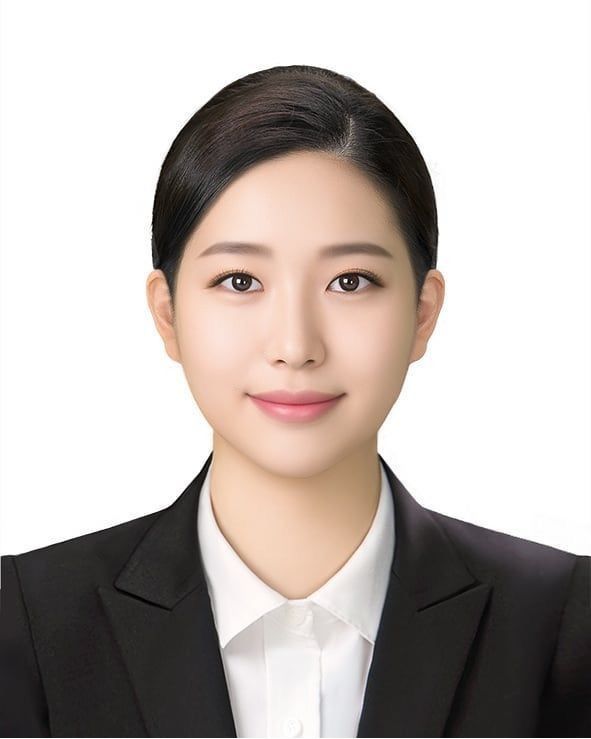 Google Gemini
Use face from IMAGE_1 exactly 100% same face identity, keep original face, do not take face from style image, …
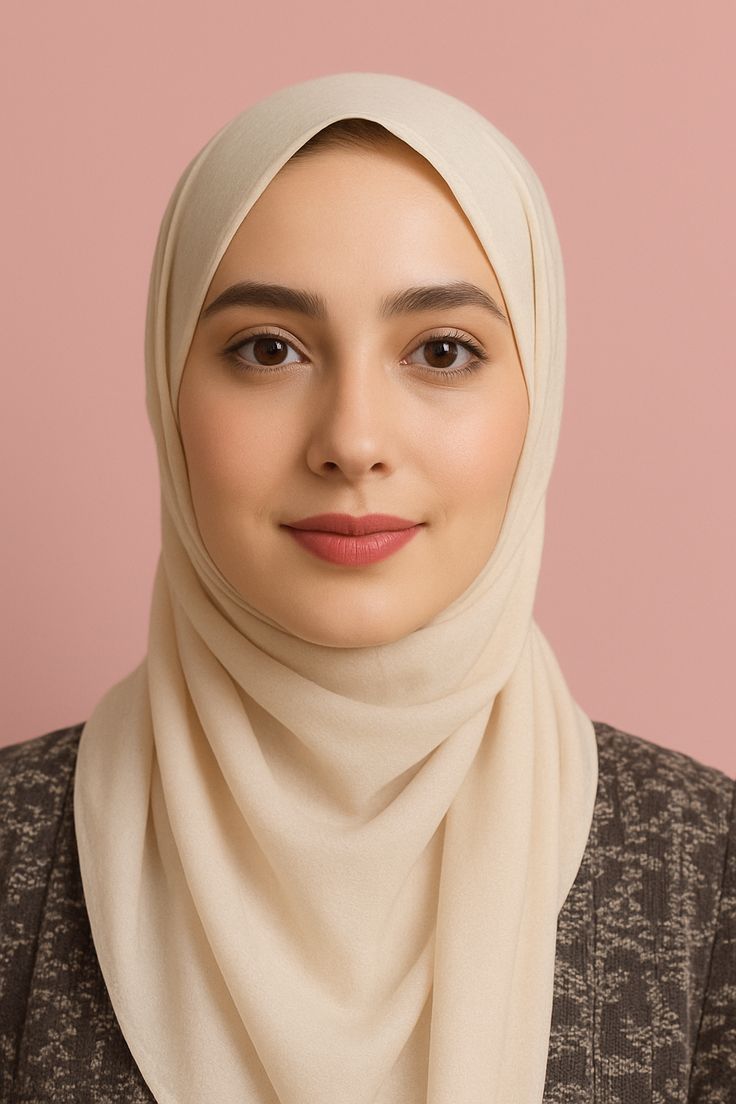 Google Gemini
Use face from IMAGE_1 exactly 100% same face identity, keep original face, do not take face from style image, …
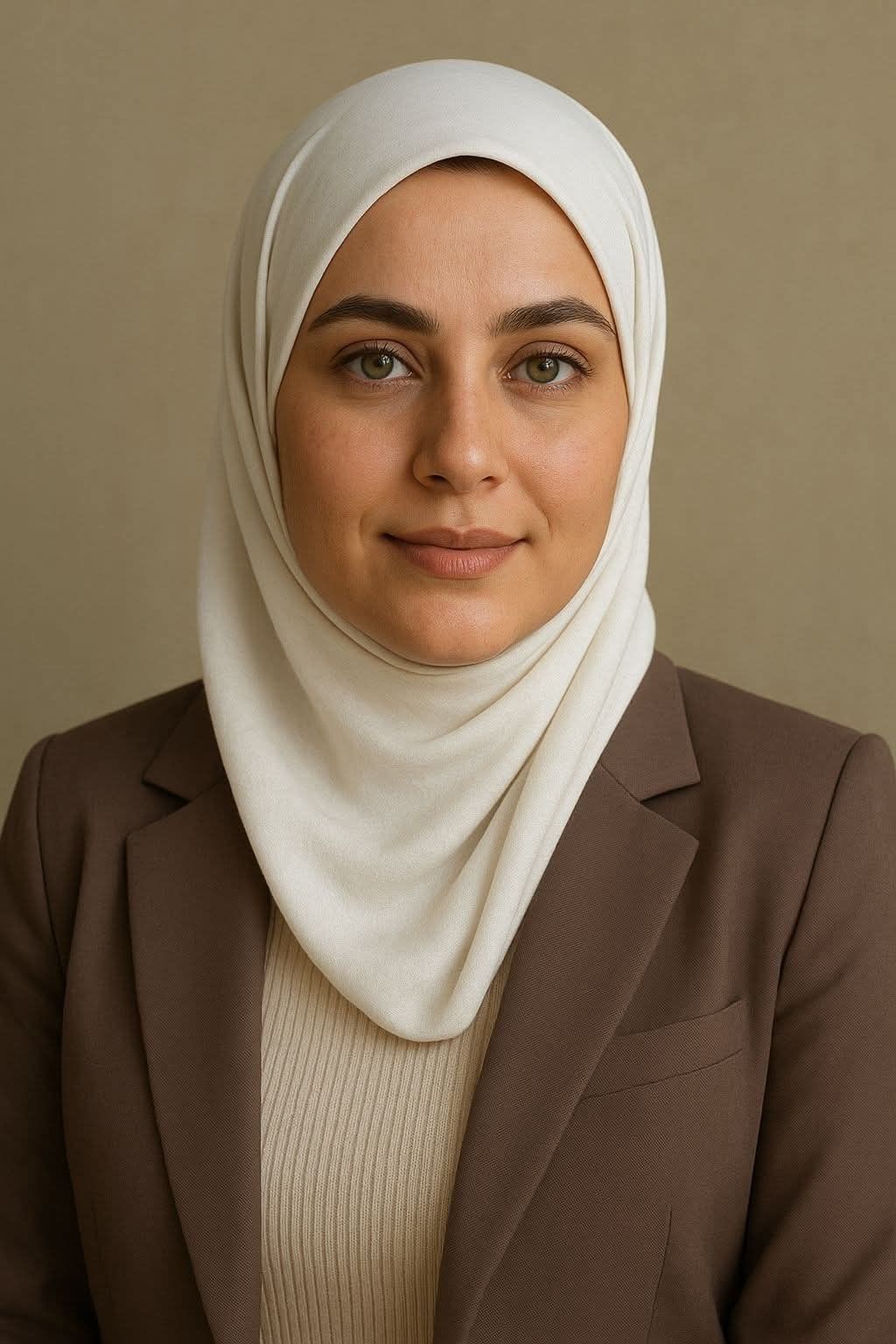 Google Gemini
Use face from IMAGE_1 exactly 100% same face identity, keep original face, do not take face from style image, …
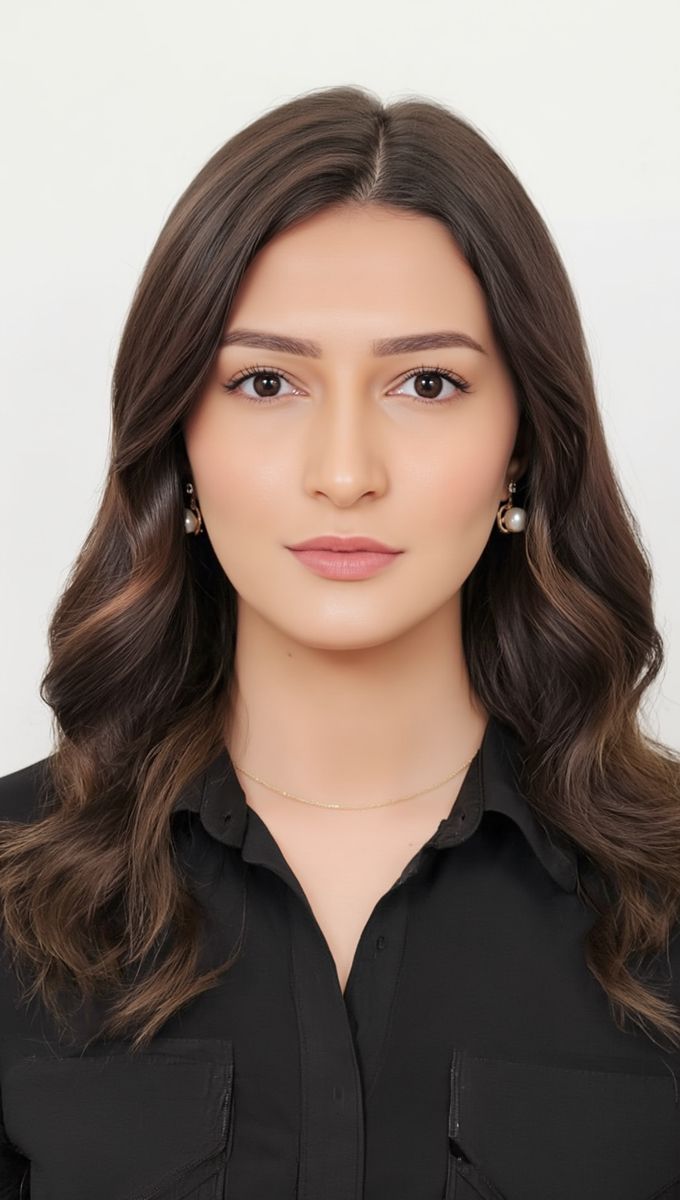 Google Gemini
Use face from IMAGE_1 exactly 100% same face identity, keep original face, do not take face from style image, …
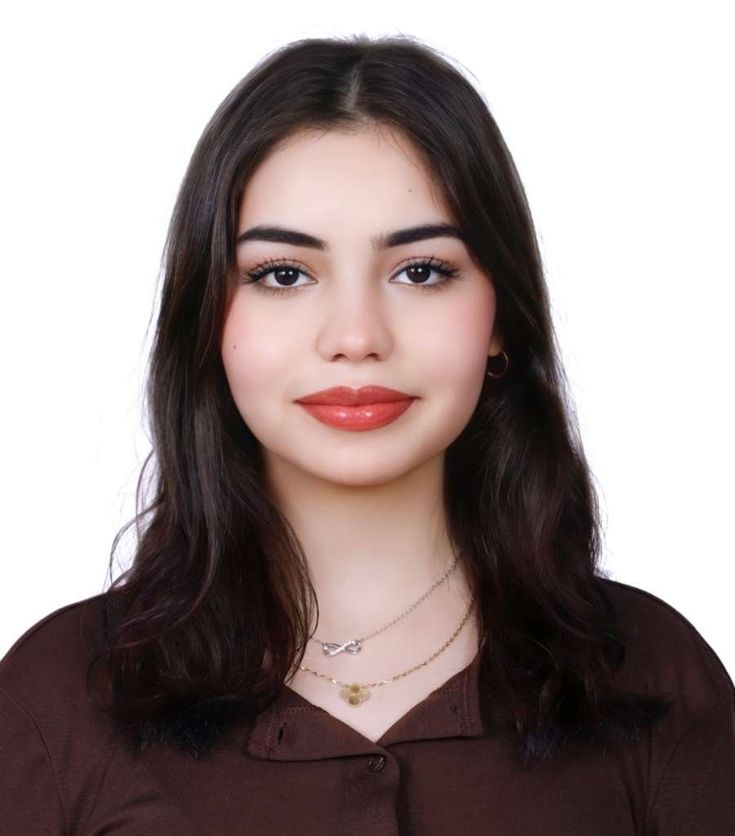 Google Gemini
Use face from IMAGE_1 exactly 100% same face identity, keep original face, do not take face from style image, …
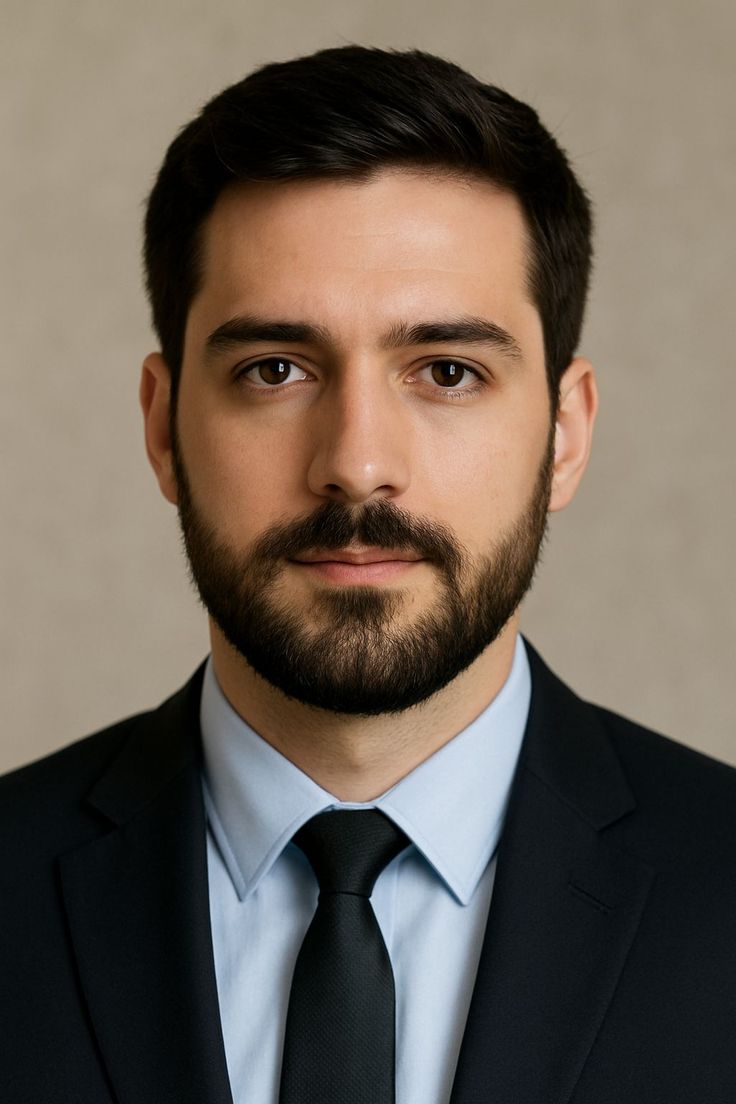 Google Gemini
Use face from IMAGE_1 exactly 100% same face identity, keep original face, do not take face from style image, …
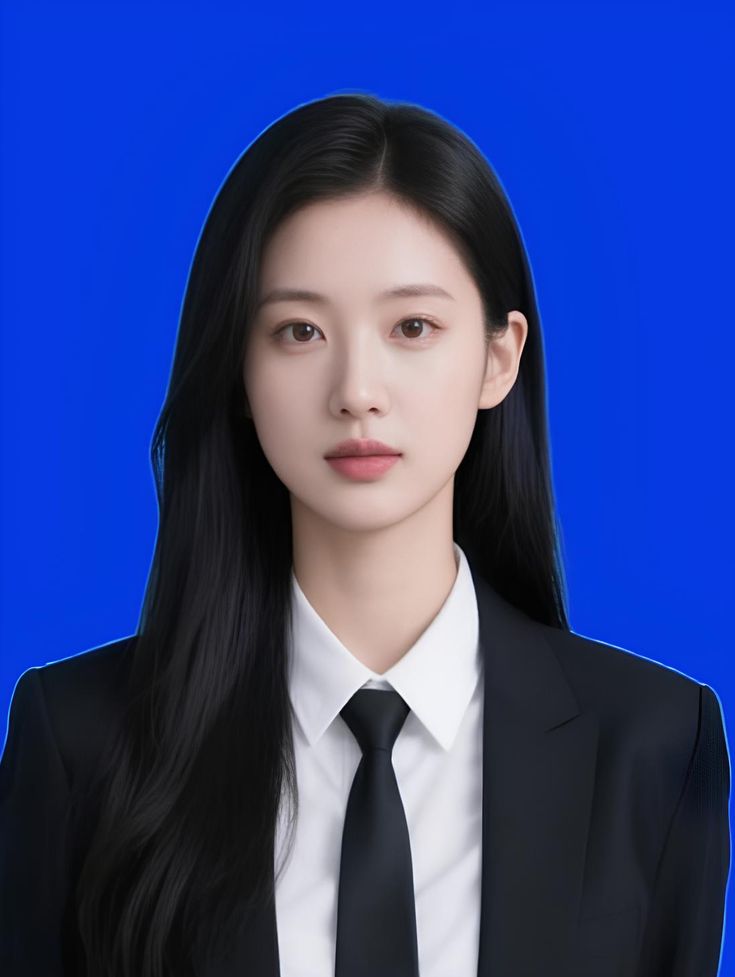 Google Gemini
Use face from IMAGE_1 exactly 100% same face identity, keep original face, do not take face from style image, …
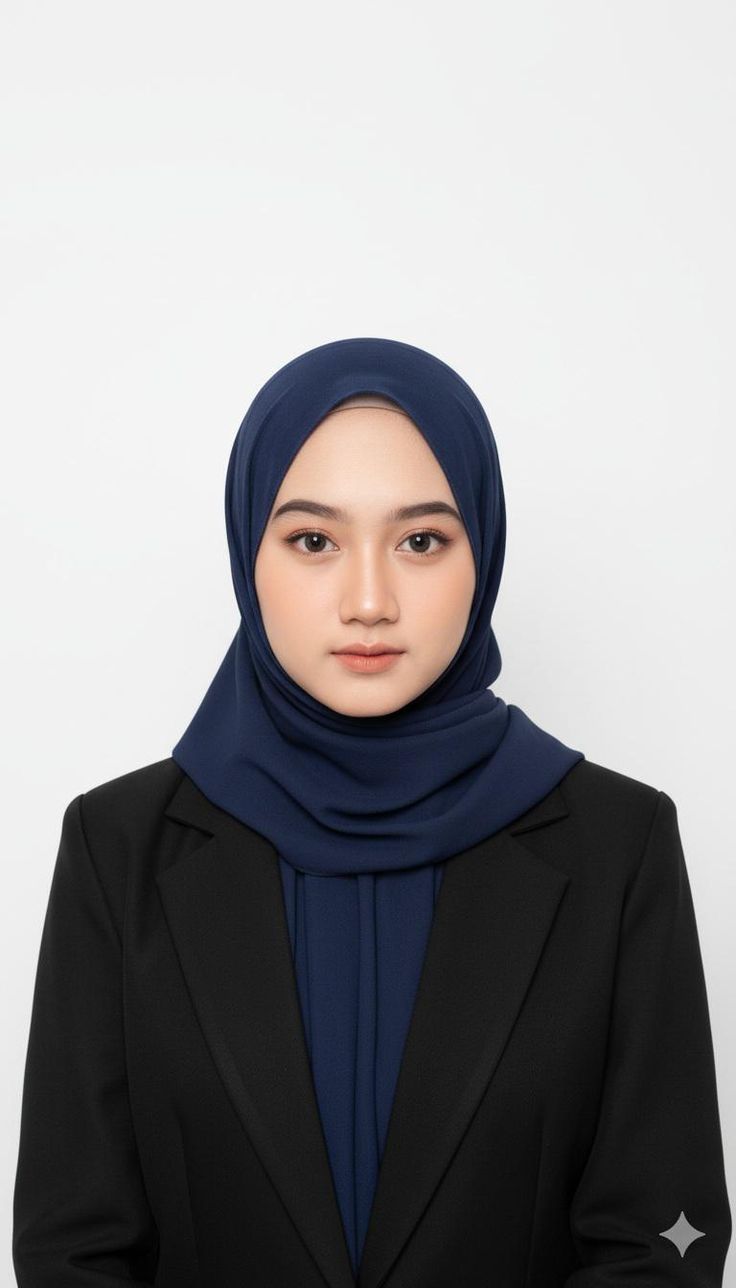 Google Gemini
Use face from IMAGE_1 exactly 100% same face identity, keep original face, do not take face from style image, …
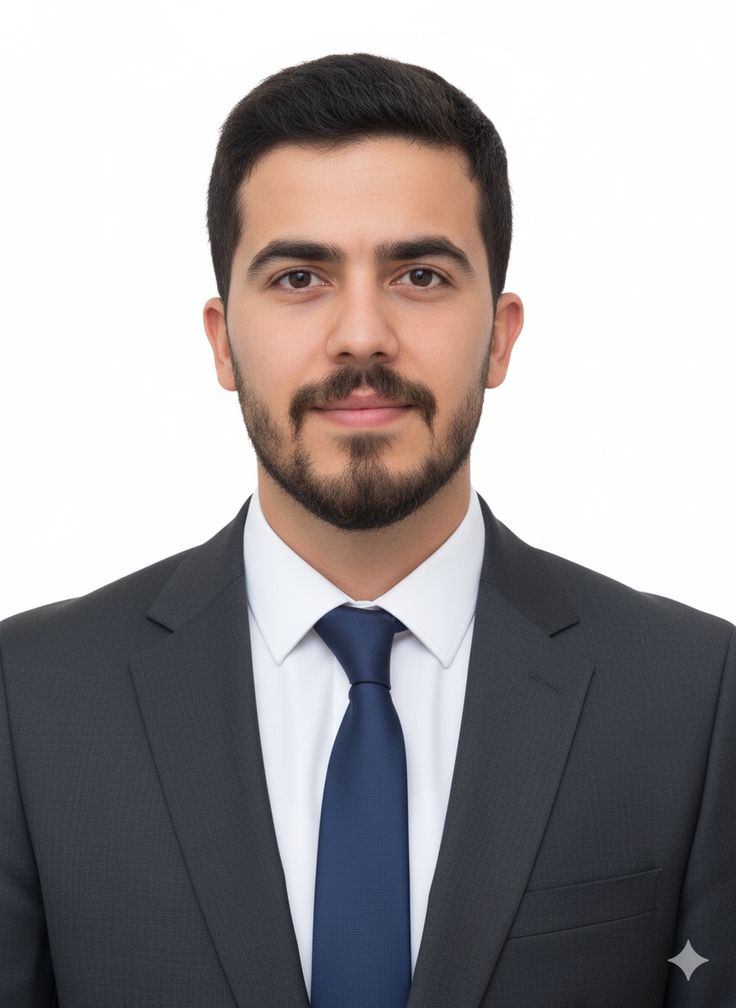 Google Gemini
Use face from IMAGE_1 exactly 100% same face identity, keep original face, do not take face from style image, …
How to Write Passport / Visa / ID Photo Prompts
How you write the prompt matters more than which tool you use.
1. Be exact about background and size. Instead of "white background," write "plain white background, no shadows, 2x2 inch passport format, head centered." For an Indian format, specify "35x45mm, white background" — that's what an Indian passport size photo prompt typically needs.
2. Lock the pose. "Front-facing, eye-level, no tilt, shoulders visible, neutral expression, mouth closed." This avoids the tilted selfies that get rejected.
3. Control light and quality. Add "even studio lighting, shadow-free on face and background, high resolution." This is how you get a result that looks like it came from a passport photo AI prompt online free without watermark, rather than a filtered photo.
4. Mention attire simply. For a passport size photo prompt for girl or boy, keep it the same: "formal dark collared shirt, plain attire." Avoid white tops on white, heavy jewelry, or patterns that cause moiré.
Popular Styles Within Passport / Visa / ID Photo
ID photos look similar, but the specs change the prompt.
1. US Passport Style: 2x2 inch, plain white background, very strict neutral expression. The most common style people try to replicate when they search passport photo AI prompt free.
2. Schengen / Europe Visa Style: Usually light grey background, 35x45mm. You have to call out the grey explicitly or most models will default to white.
3. Indian Passport / Aadhaar Style: White background, formal look, slightly wider crop to show more of the shoulders. A lot of users look for this as passport size photo prompt for ChatGPT for girls and boys — the prompt itself is the same, just describe the subject as "young woman, long hair tied back, formal attire" if you need a female reference for a sample. No need for a separate style.
4. Corporate and Office ID Badge Style: More flexible. Allows light blue background, sometimes a soft smile, and you can prompt for dress — e.g., "wearing navy blazer." This is where an AI passport photo maker with dress free type prompt is actually useful, for employee cards or school IDs.
Best AI Tools for Passport / Visa / ID Photo Prompts
Midjourney v6 / v7: Great skin texture and studio light once you are specific. It tends to beautify unless you stop it, so you need tight instructions. Works well if you already found a passport photo AI prompt online and want a photorealistic version.
Google Gemini & Flux: Best at following literal instructions. When you say "plain white background," you get plain white. Helpful if you've tried an AI passport photo maker free without watermark and got inconsistent backgrounds.
Leonardo AI & Stable Diffusion XL: Good for testing many crops at once. You can batch generate 2x2, 35x45mm, and 33x48mm variations quickly. Useful if you want to create passport size photo online free as samples to compare before final edit.
What about apps? If you search best free online passport photo maker, you'll find dedicated apps that auto-crop. Prompts give you more control than those apps — lighting, dress, background — but apps are faster for one-click compliance checks. On Reddit, people often share in passport photo AI prompt reddit threads that a hybrid workflow works best: generate with AI, then run through a compliance checker app for final sizing. For a passport photo AI prompt online free download or passport photo AI prompt online free app, check licensing — many free generators add a watermark unless you specify "no watermark, plain background" in the prompt.
Frequently Asked Questions
Can I really use a passport photo AI prompt online free for my actual passport?
For official passports and visas, most governments require a real camera photo taken within the last 6 months and don't allow AI-generated or heavily retouched images. Use these prompts for mockups, corporate IDs, LinkedIn, matrimonial profiles, or as a reference image to show your studio photographer. Always check your country's latest official photo rules.
What's different in an Indian passport size photo prompt?
The background should be plain white, 35mm wide x 45mm high, face covering 70-80% of the frame, neutral expression, no shadows. Add "Indian passport photo style, white background, 35x45mm, formal attire" to your prompt. For Aadhaar, keep the framing slightly wider.
I need a passport size photo prompt for girl / for ChatGPT for girls — is it different?
The official spec is the same for everyone. If you need a sample with a female subject, just describe it clearly: "passport photo of young Indian woman, hair tied neatly behind ears, wearing dark formal shirt, plain white background." Avoid prompts that add makeup, jewelry, or filters — those cause rejections.
Are there truly AI passport photo maker free without watermark options?
Some tools offer free generation without a watermark, but many free tiers add one or limit resolution. Writing a clean prompt with "plain background, no text, no watermark, high resolution" helps, but the tool's own policy matters more. If you need a passport photo AI prompt online free without watermark result, generate at high resolution and crop yourself rather than relying on an app that forces a logo.
Can I prompt for dress or suit?
Yes, for corporate IDs. Use "wearing navy blue blazer with white shirt" or "formal black dress, plain." That's what people mean by AI passport photo maker with dress free — it’s not for official passports, where simple, plain clothing is required.
🚀 Share this Prompt
Save this prompt
Create a free account to save, like & copy AI image prompts — plus access 1000+ more.