AI LinkedIn Professional Headshot Prompts
16 PromptsMost LinkedIn headshots look the same — grey background, forced smile, that slightly stiff "I'm being professional" energy. A well-built LinkedIn professional headshot prompt breaks that pattern by feeling approachable instead of corporate-stock-photo. Explore 16+ free LinkedIn professional headshot prompts built to actually get noticed, whether you're a founder, a job seeker, or updating a profile that's years out of date, ready to use with Midjourney, DALL-E, Google Gemini, Flux and Stable Diffusion. Midjourney gives that polished-but-natural studio look recruiters respond well to. Google Gemini is solid when you want a specific outfit or background, like a blazer against a soft office blur. People constantly search professional headshot ideas and LinkedIn profile photo tips, but what actually makes a LinkedIn professional headshot prompt work is confidence in the eyes, not just a nice suit.
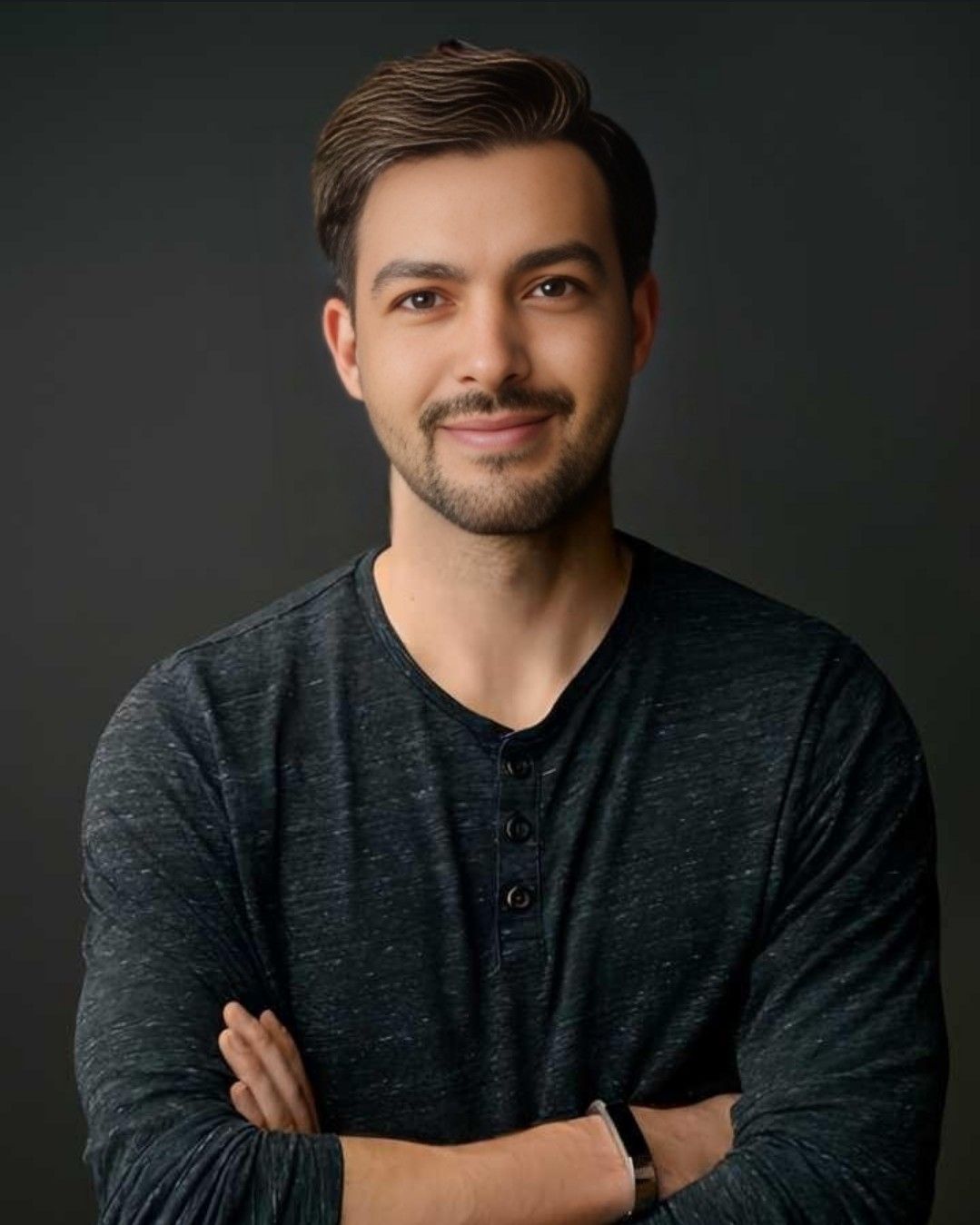 Google Gemini
Use my face from IMAGE_1 exactly 100% same face identity, keep my original eyes, nose, lips, beard, skin tone,…
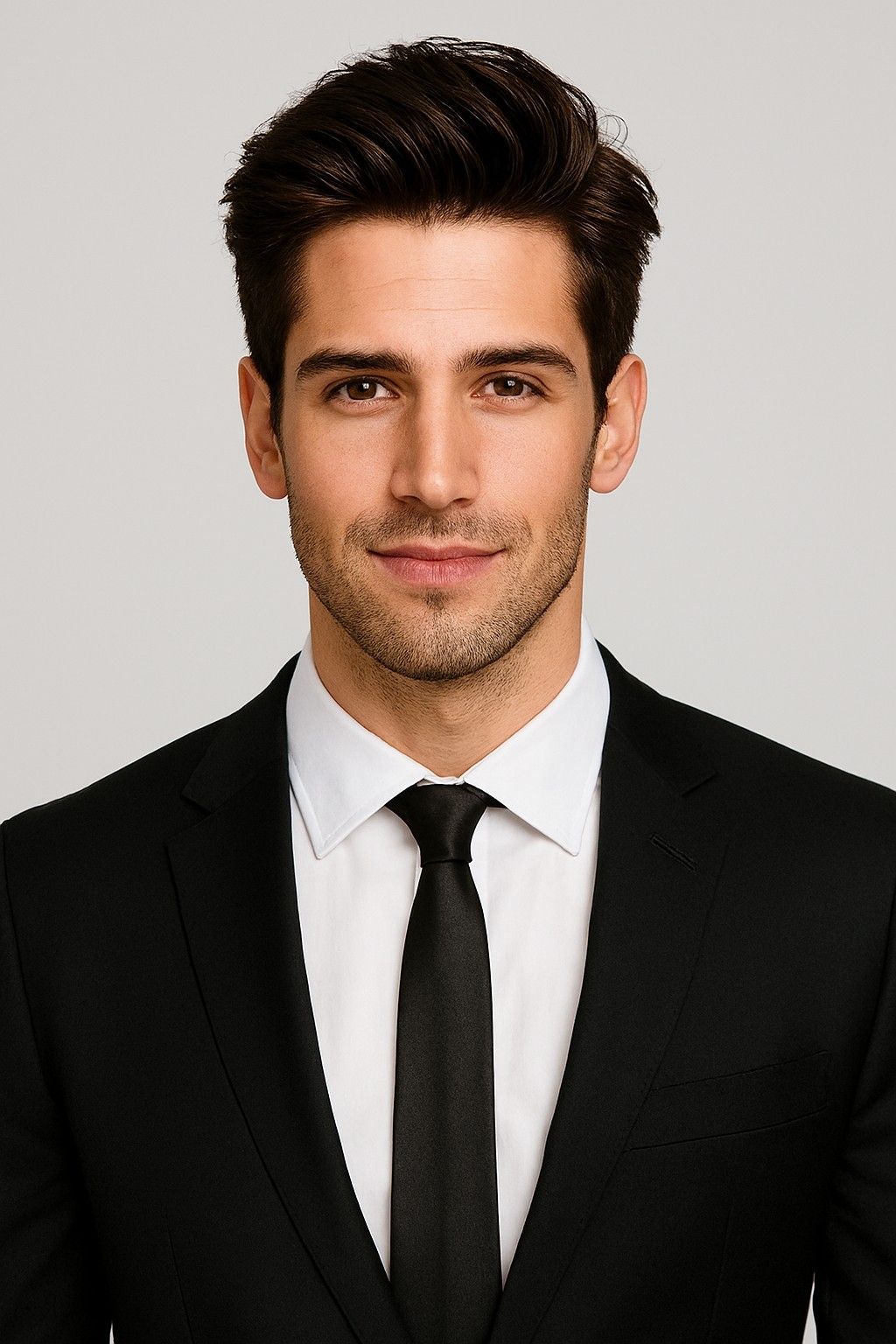 Google Gemini
Use my face from IMAGE_1 exactly 100% same face identity, keep my original eyes, nose, lips, beard, skin tone,…
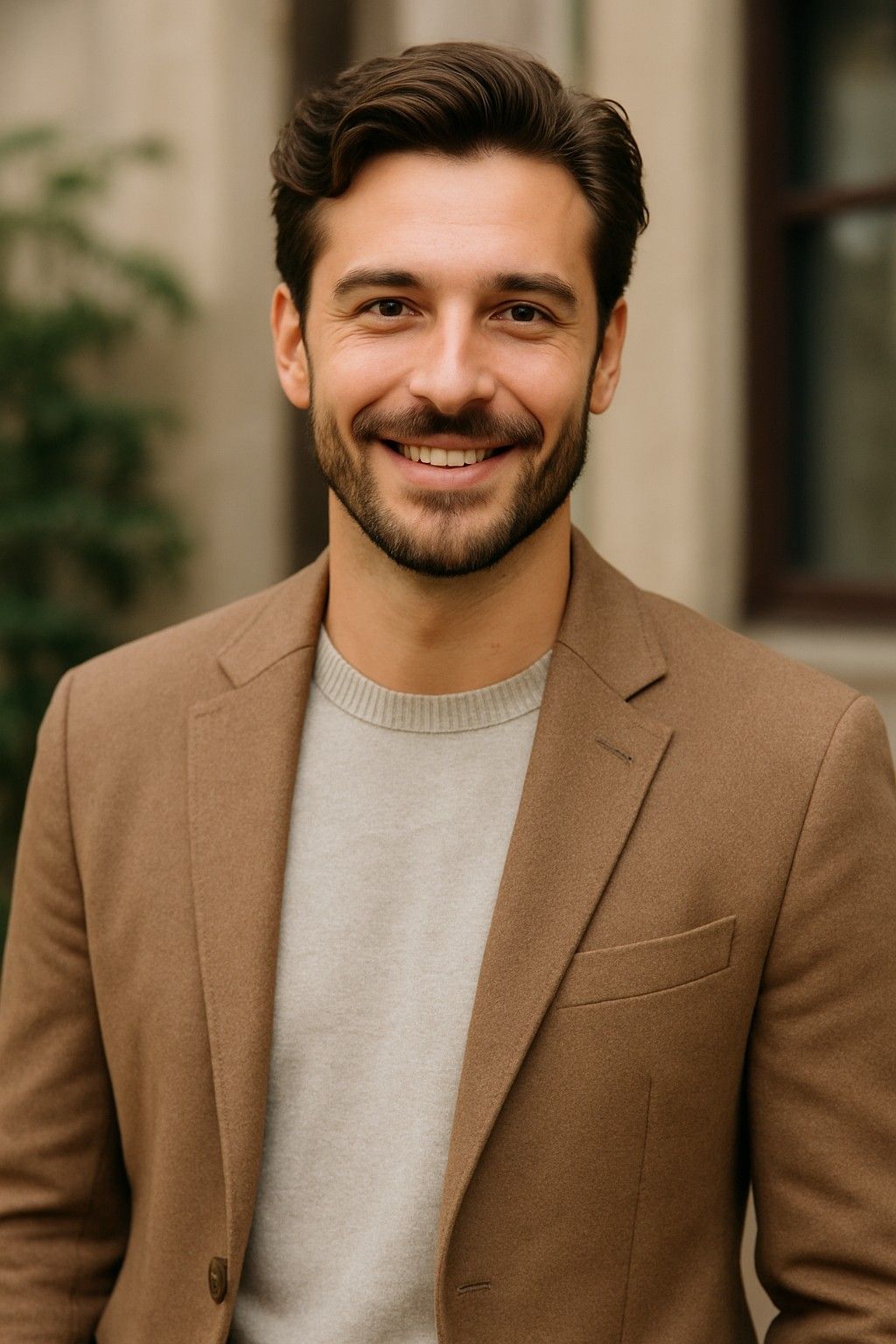 Google Gemini
Use my face from IMAGE_1 exactly 100% same face identity, keep my original eyes, nose, lips, beard, skin tone,…
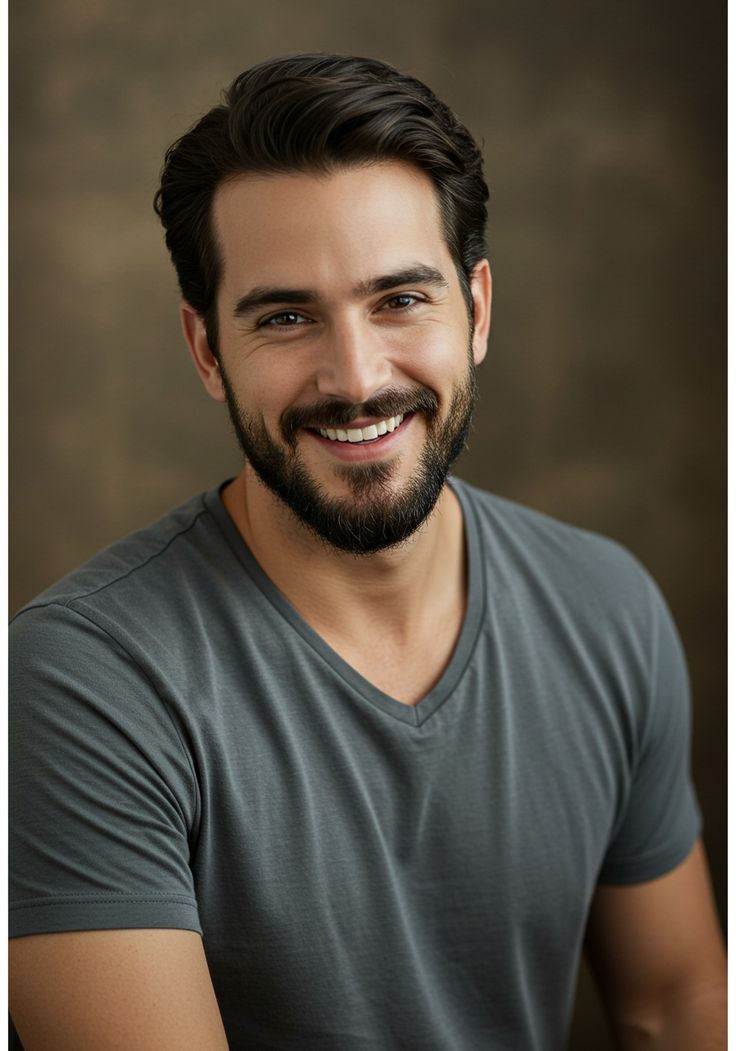 Google Gemini
Use my face from IMAGE_1 exactly 100% same face identity, keep my original eyes, nose, lips, beard, skin tone,…
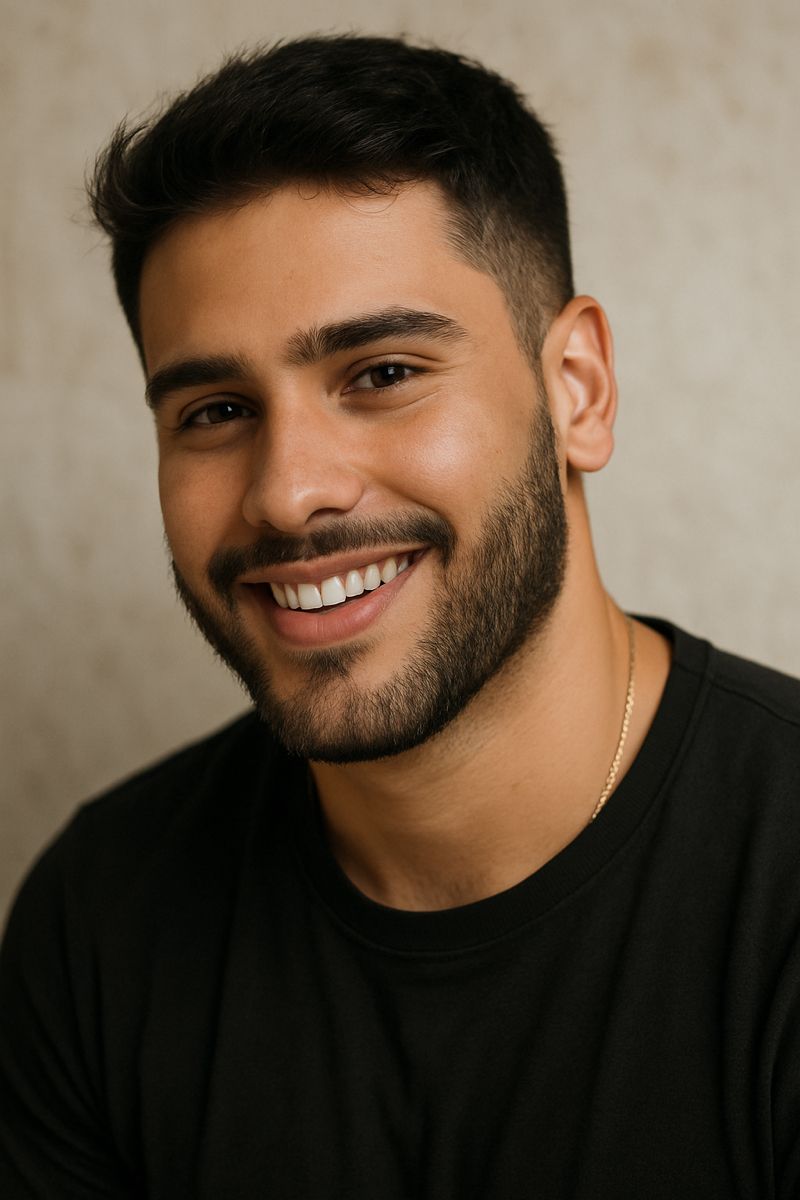 Google Gemini
Use my face from IMAGE_1 exactly 100% same face identity, keep my original eyes, nose, lips, beard, skin tone,…
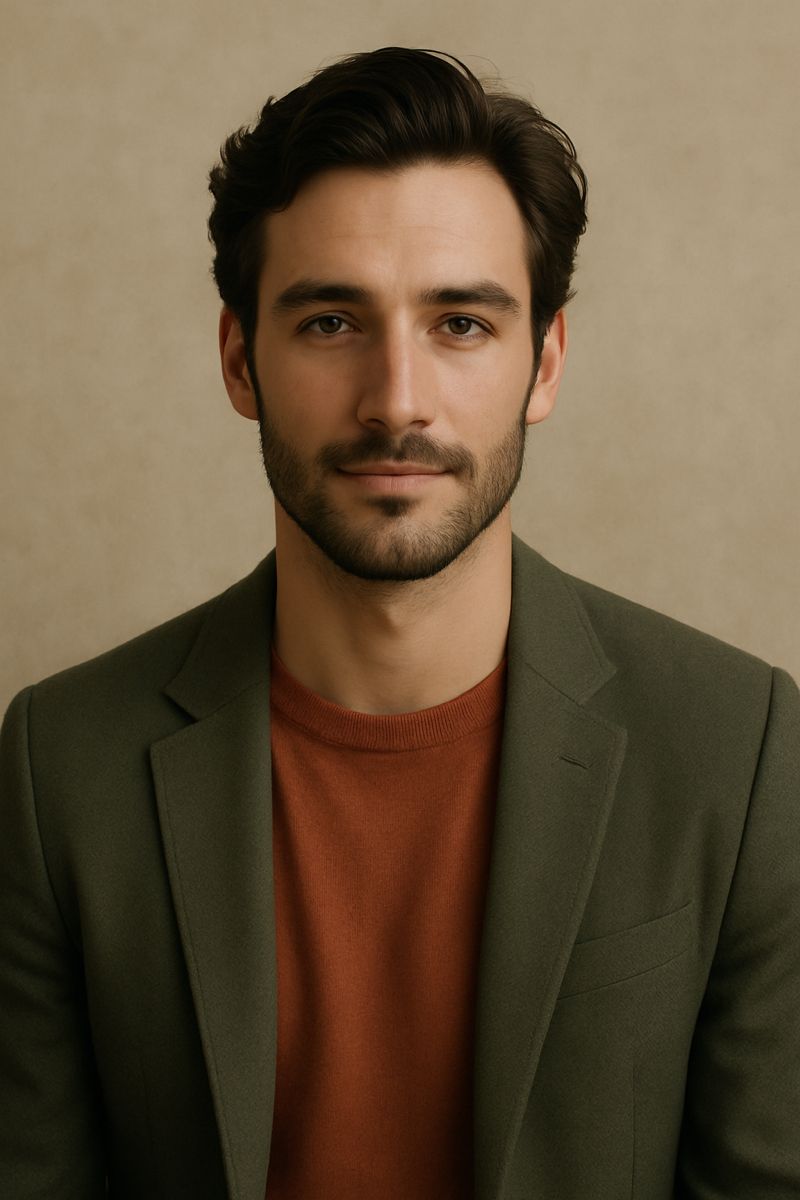 Google Gemini
Use my face from IMAGE_1 exactly 100% same, keep my original face identity, eyes, nose, lips, beard, skin tone…
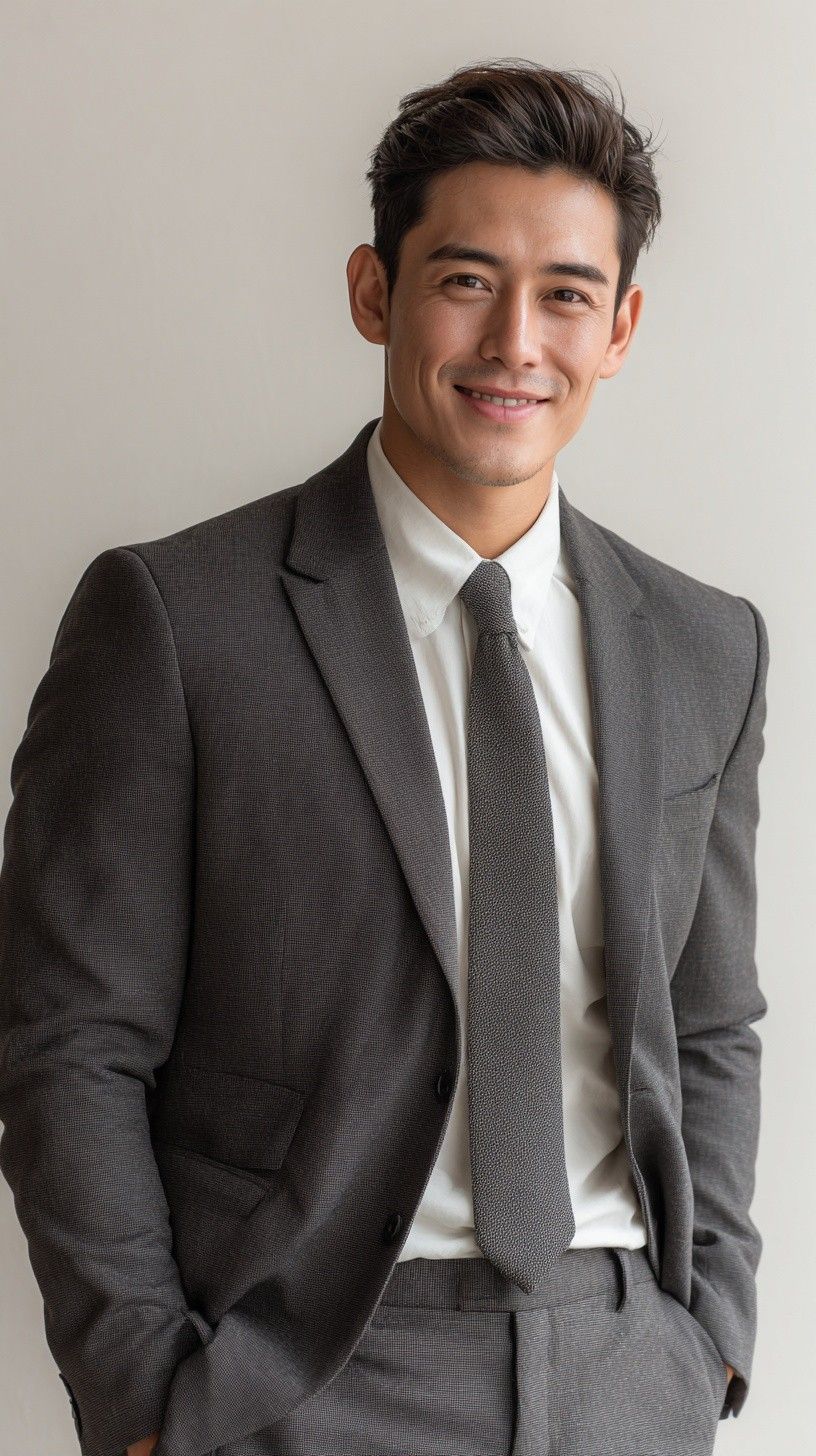 Google Gemini
USE FACE FROM IMAGE_1 100% EXACTLY, DO NOT CHANGE FACE IDENTITY -- A professional man standing in relaxed b…
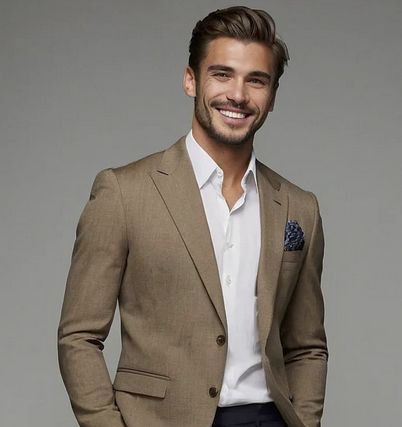 Google Gemini
Use my uploaded face 100% exactly, do not change my face identity, keep same facial features -- A handsome…
 Google Gemini
LinkedIn-style professional headshot of same man, photorealistic, warm confident smile showing teeth, short bl…
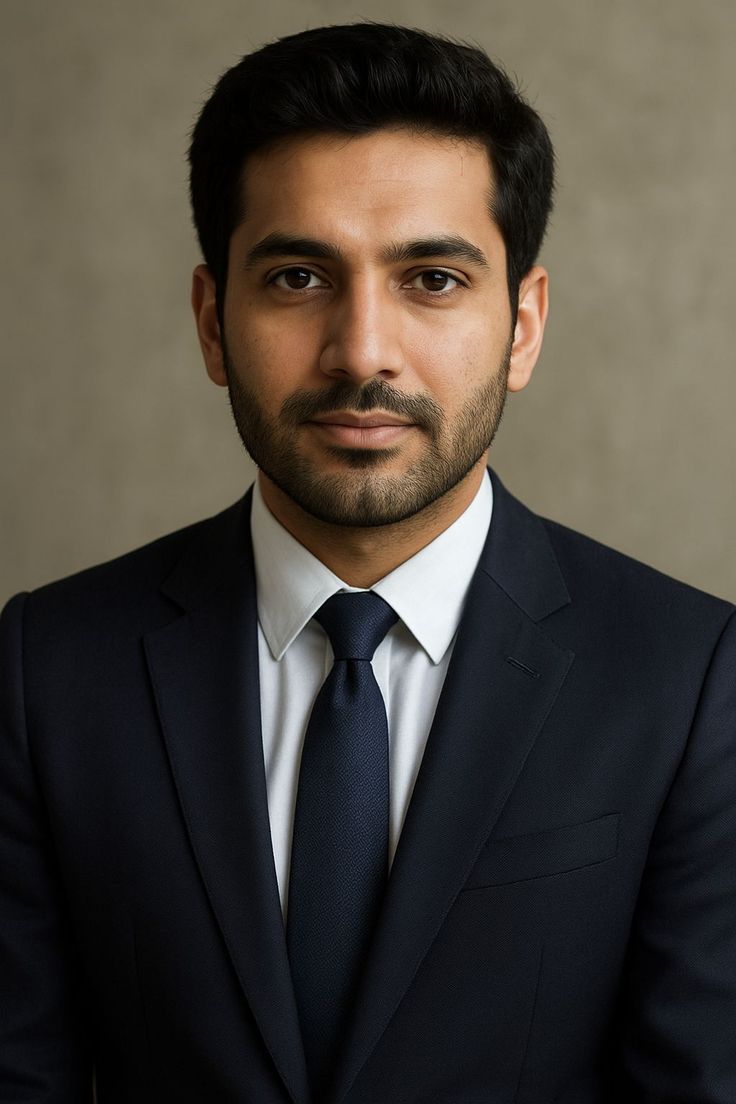 Google Gemini
Photorealistic professional corporate headshot portrait of a young South Asian man, age 28-32, with short neat…
 Google Gemini
Professional corporate studio headshot of a young East/Central Asian man in his late 20s with short, styled da…
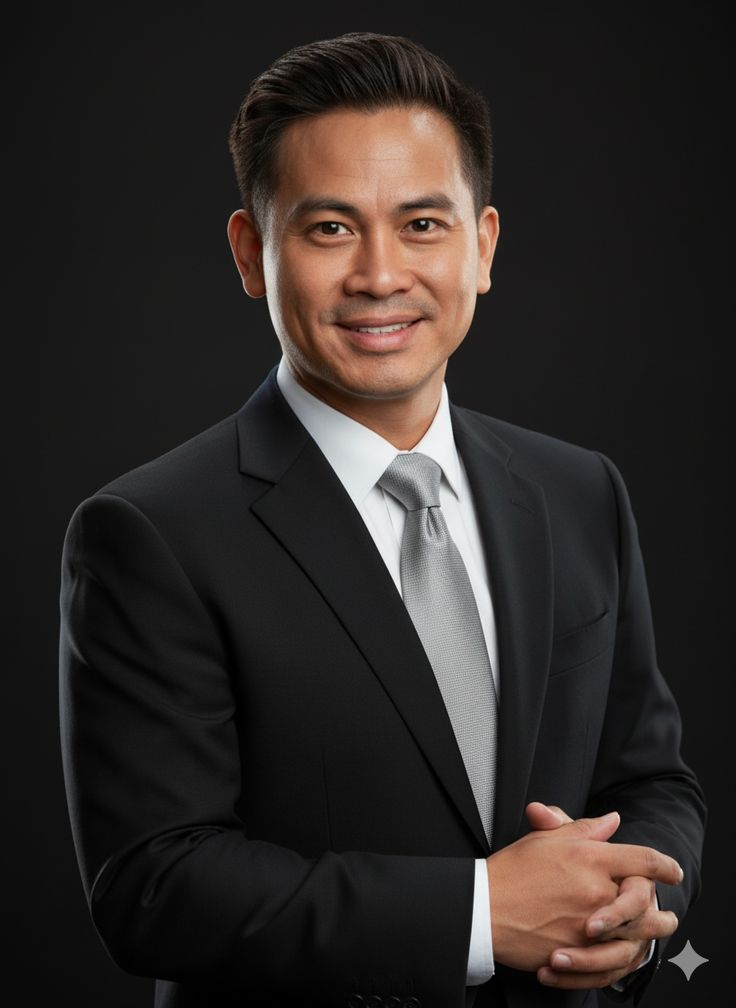 Google Gemini
Create a highly photorealistic premium executive corporate portrait of a confident adult East/Southeast Asian …
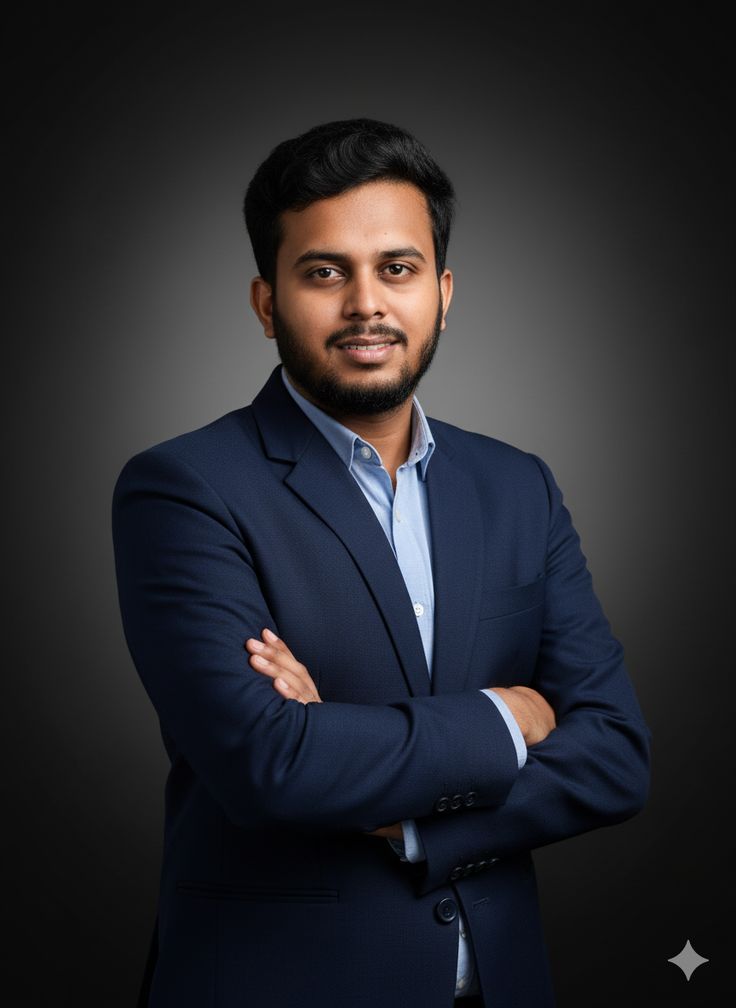 Google Gemini
Create a highly photorealistic premium corporate portrait of a young adult South Asian man with short, neatly …
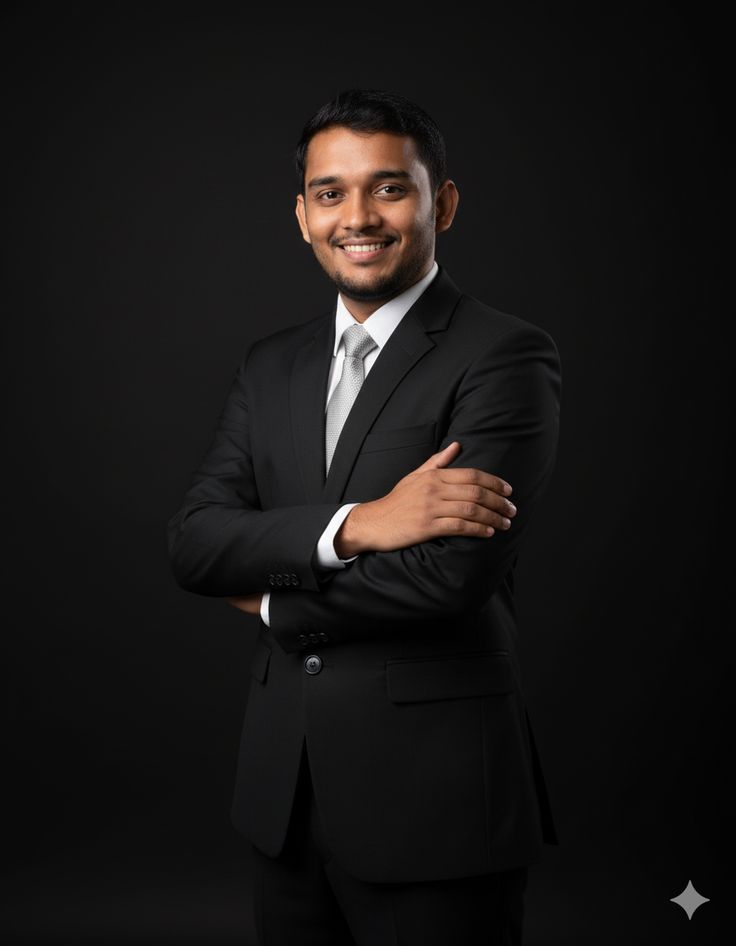 Google Gemini
Create a highly realistic, premium professional corporate portrait of a young adult South Asian man standing c…
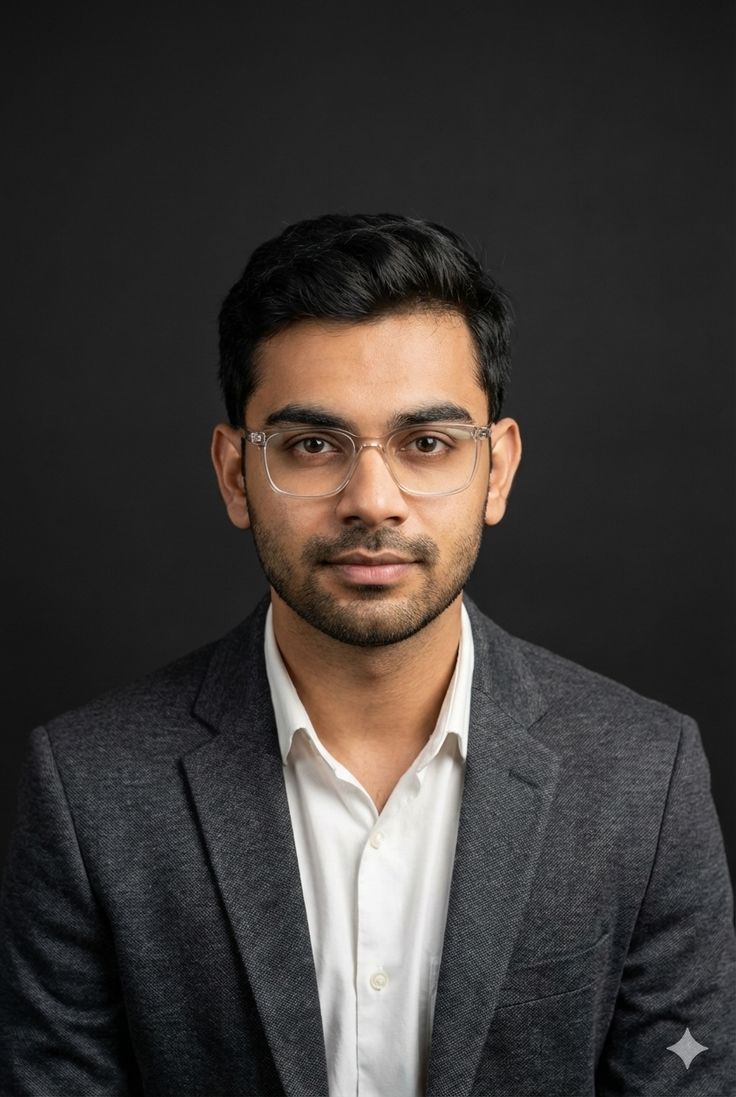 Google Gemini
Use the uploaded reference image as the **primary visual reference**. Recreate the image as a highly realistic…
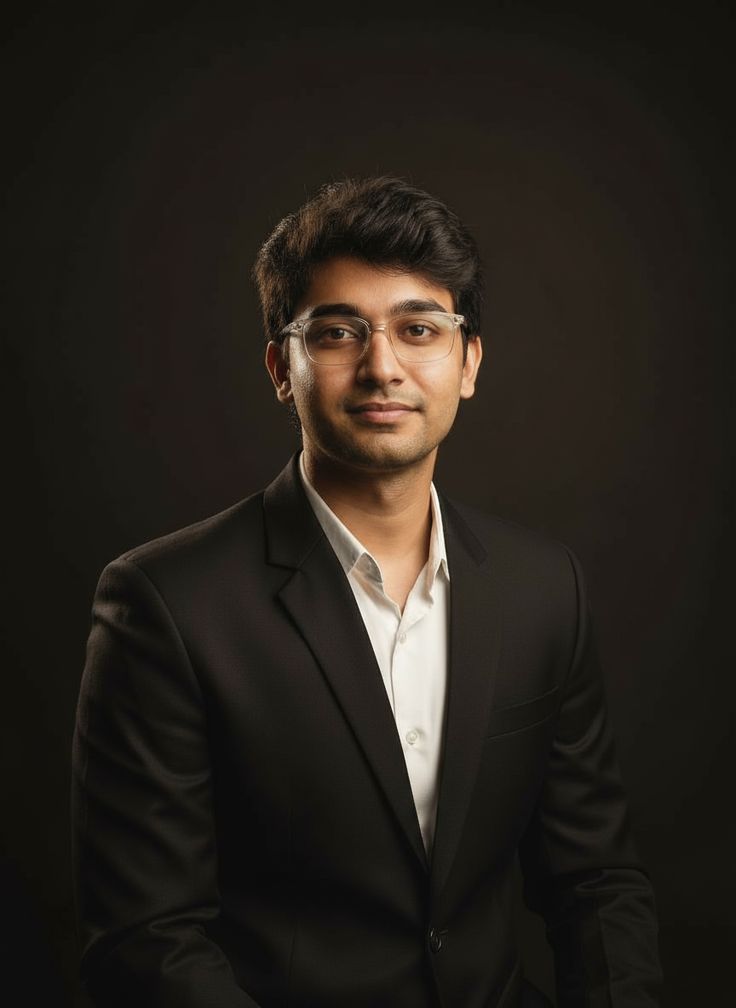 Google Gemini
### Google Gemini — Professional Corporate Portrait Recreation Prompt **Use the uploaded image as the prima…
How to Write LinkedIn Professional Headshot Prompts
The best LinkedIn professional headshot prompt reads like a portrait brief, not a passport photo request.
1. Describe the Expression, Not Just the Smile: A LinkedIn professional headshot prompt with "confident, approachable expression, slight smile" reads far better than just "smiling."
2. Keep the Background Simple: "Softly blurred office background" or "neutral grey studio backdrop" keeps focus on the face in a LinkedIn professional headshot prompt.
3. Mention the Outfit Specifically: "Navy blazer, white shirt, no tie" gives a very different vibe than "business casual" — be precise in your LinkedIn professional headshot prompt.
4. Light from the Front: "Soft front lighting, minimal shadows" avoids the harsh, corporate-photo-booth look most weak LinkedIn professional headshot prompt results have.
Popular Styles Within LinkedIn Professional Headshot
1. Classic Corporate: Grey or white background and formal attire, the safest LinkedIn professional headshot prompt style across most industries.
2. Modern Approachable: Softer lighting and a genuine smile, popular in a LinkedIn professional headshot prompt for startups and creative fields.
3. Outdoor Professional: Natural light with a city or greenery blurred behind, a LinkedIn professional headshot prompt style that feels more human than a studio shot.
4. Executive Portrait: Darker tones and a confident pose, common in a LinkedIn professional headshot prompt for founders and senior leadership.
Best AI Tools for LinkedIn Professional Headshot Prompts
Midjourney v6/v7: Excellent for a polished, studio-quality LinkedIn professional headshot prompt without looking overly retouched.
Google Gemini / Flux: Handles realistic skin and professional attire textures well, good for a natural, camera-shot LinkedIn professional headshot prompt feel.
ChatGPT-4o (DALL-E 3): Best when you need very specific control in a LinkedIn professional headshot prompt, like exact clothing colour or a particular office setting.
Leonardo AI & Stable Diffusion XL: Leonardo has dedicated headshot presets that speed up any LinkedIn professional headshot prompt, and Stable Diffusion XL is great for batch-generating variations to pick from.
Frequently Asked Questions
What are LinkedIn Professional Headshot AI image prompts?
LinkedIn Professional Headshot AI image prompts are ready-to-use text instructions for AI image generators like Midjourney, Google Gemini, DALL-E, and Flux. Find 16+ free LinkedIn Professional Headshot prompts on AIPromy.
Which AI tools work with these LinkedIn Professional Headshot prompts?
These LinkedIn Professional Headshot prompts work with Midjourney, Google Gemini, DALL-E 3, Flux, Stable Diffusion, Adobe Firefly, and Leonardo AI.
Are LinkedIn Professional Headshot AI prompts free?
Yes! AIPromy offers 16+ free LinkedIn Professional Headshot AI image prompts. Copy and use them instantly with no sign-up required for basic access.
How do I use an AI LinkedIn Professional Headshot prompt?
Click "View" on any prompt, copy the full text, then paste it into Midjourney, DALL-E, Gemini or your preferred AI image generator to create your own linkedin professional headshot image.
🚀 Share this Prompt
Save this prompt
Create a free account to save, like & copy AI image prompts — plus access 1000+ more.