 Google Gemini
View Full
Google Gemini
View Full
### Google Gemini — Photorealistic Portrait - Free AI Ima...
### Google Gemini — Photorealistic Portrait Recreation Prompt
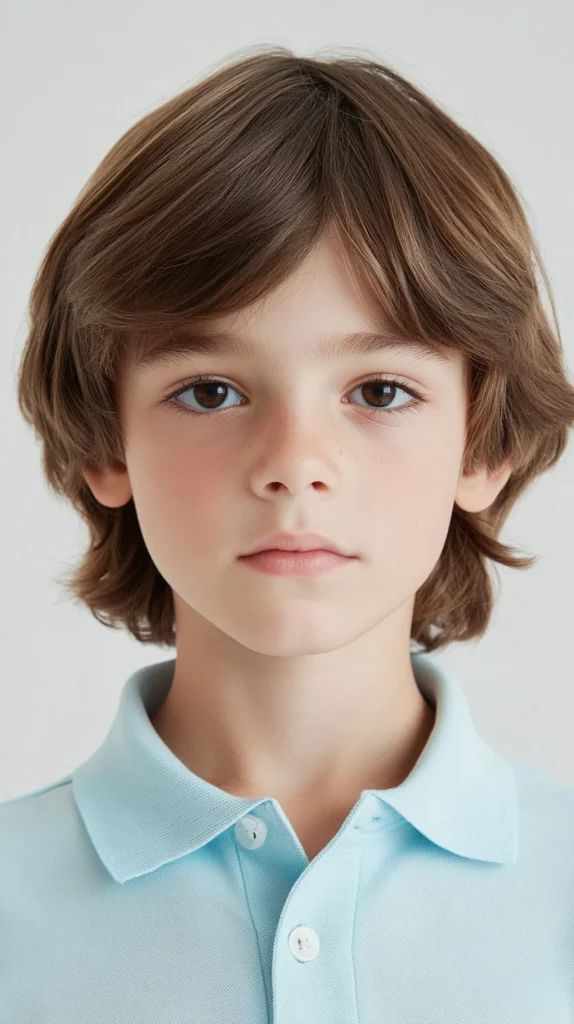
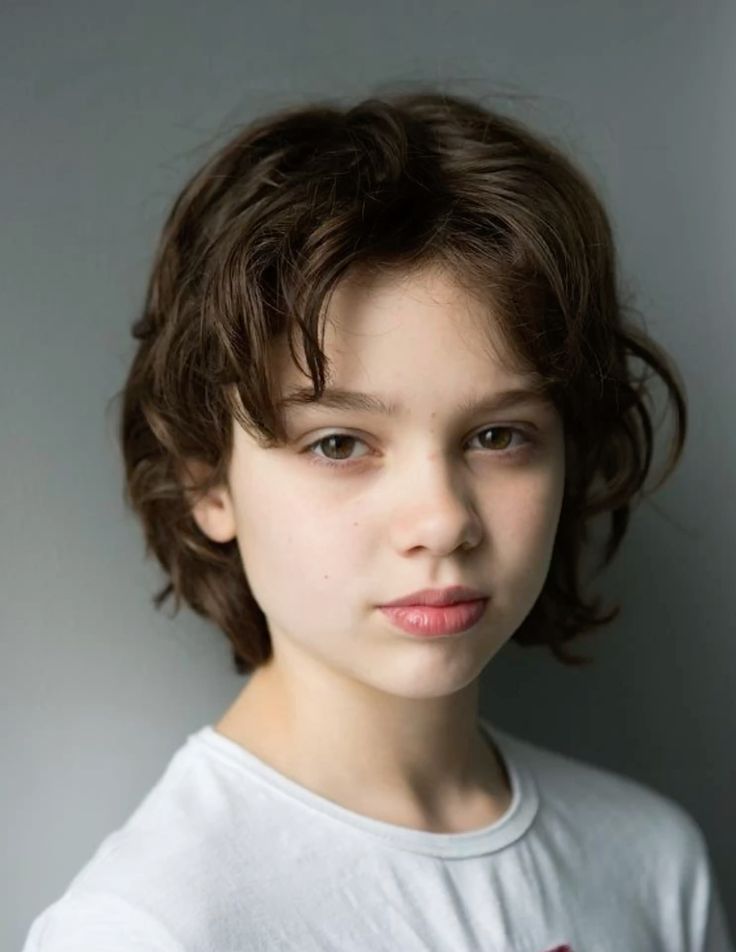
**Use the uploaded image as the primary visual reference.** Recreate the same photographic composition, subject appearance, hairstyle, expression, clothing, lighting, background, framing, color palette, and overall visual mood as closely as possible.
Treat the uploaded image as the **visual blueprint** for the generation.
### SUBJECT & APPEARANCE
Use the person from the uploaded reference as the main subject and preserve their recognizable natural appearance.
Maintain:
* Face shape and proportions
* Natural skin tone
* Eye shape, size, and placement
* Eyebrows
* Nose shape
* Lip shape and proportions
* Cheek and jaw structure
* Natural facial asymmetry
* Overall facial proportions
The expression should remain **calm, neutral, and relaxed**, with a direct gaze straight into the camera and naturally closed lips.
Do not exaggerate facial features or apply beauty-filter effects.
### HAIR
Recreate the medium-length light-to-medium brown hairstyle from the reference.
The hair should feature:
* Soft natural volume
* Center/slightly off-center parting
* Long curved fringe framing the forehead
* Layered sides
* Slightly longer hair around the ears and back
* Fine individual strands
* Natural brown tonal variation
* Subtle flyaway hairs
Keep the hairstyle soft and naturally arranged rather than overly styled.
### POSE & COMPOSITION
Create a **straight-on vertical close-up portrait**.
The subject should face directly toward the camera with the head centered and upright.
Use a symmetrical, front-facing composition with both eyes positioned at approximately the same horizontal level.
Frame from slightly above the top of the hair down to the upper chest.
The face should occupy the central and dominant portion of the image.
Keep the camera at approximately **eye level**, with minimal perspective distortion.
The composition should feel clean, simple, and intentional.
### CLOTHING
Recreate the clothing visible in the reference:
* Light pastel blue polo shirt
* Soft cotton/piqué fabric appearance
* Classic polo collar
* Two visible buttons
* Clean short-sleeve construction
* Natural fabric texture
* Subtle folds around the collar and shoulders
Keep the shirt simple and free from logos, text, graphics, or unnecessary accessories.
### BACKGROUND
Create a **clean, seamless very-light gray background**.
The background should be:
* Minimal
* Smooth
* Neutral
* Evenly illuminated
* Free from objects
* Free from scenery
* Free from furniture
* Free from text or decorations
Use a subtle tonal gradient rather than a perfectly flat digital background, maintaining the appearance of a professional portrait studio.
### LIGHTING
Use **soft, bright, diffused studio lighting**.
Illuminate the face evenly from the front with very gentle side fill.
Create:
* Soft highlights across the forehead
* Even illumination across both cheeks
* Subtle natural shadow beneath the chin
* Gentle highlights in the eyes
* Smooth transitions across facial contours
* Soft illumination across the shirt
* Minimal harsh shadows
The lighting should feel fresh, clean, natural, and high-key without looking artificially overexposed.
Avoid dramatic shadows, colored lighting, hard flash, lens flare, or cinematic lighting effects.
### CAMERA & LENS
Make the photograph resemble a professional high-resolution studio portrait captured with a modern full-frame camera.
Use a natural portrait perspective, approximately **70–85mm lens equivalent**.
Camera characteristics:
* Vertical portrait orientation
* Eye-level camera
* Straight-on perspective
* Minimal lens distortion
* Moderate close-up framing
* Sharp focus across the face
* Natural depth of field
* High-resolution detail
* Realistic skin rendering
* Clean professional exposure
The eyes, eyelashes, eyebrows, lips, and fine hair strands should remain naturally detailed.
### COLOR PALETTE
Use a soft, clean pastel palette:
* Very light gray background
* Light pastel blue shirt
* Natural warm skin tones
* Soft medium-brown hair
* Subtle neutral shadows
Keep the overall image bright, airy, clean, and understated.
Avoid excessive saturation, heavy color grading, HDR effects, artificial whitening, or extreme contrast.
### PHOTOREALISM
The final image should look like a **real professional portrait photograph**, not an illustration, 3D render, cartoon, or artificial digital painting.
Preserve realistic:
* Skin texture
* Fine facial details
* Natural eye reflections
* Eyelashes
* Individual hair strands
* Hair flyaways
* Shirt fibers
* Collar stitching
* Natural fabric folds
* Subtle facial shadows
* Realistic light falloff
Avoid plastic-looking skin, excessive smoothing, unnatural facial symmetry, oversized eyes, artificial hair, distorted anatomy, warped clothing, excessive sharpening, or CGI-like rendering.
### REFERENCE PRIORITY
**The uploaded image is the primary visual blueprint.**
Match the reference in this priority:
1. Subject\'s recognizable appearance
2. Facial proportions
3. Hairstyle and hair texture
4. Neutral facial expression
5. Direct gaze
6. Head position
7. Clothing and collar design
8. Framing and crop
9. Camera perspective
10. Background
11. Lighting
12. Color palette
13. Overall photographic aesthetic
Do not introduce additional people, objects, jewelry, text, logos, scenery, or decorative elements.
### FINAL OUTPUT
Generate **one highly photorealistic vertical close-up portrait** matching the uploaded reference: a centered front-facing subject with naturally layered brown hair, a calm direct expression, light pastel-blue polo shirt, clean light-gray studio background, soft high-key diffused lighting, realistic skin and hair texture, natural fabric detail, and professional portrait photography.
**Important:** Preserve the uploaded subject\'s natural appearance and reproduce the reference\'s framing, pose, lighting, clothing, background, and photographic atmosphere as accurately as possible.
More 🧒 Kids Prompts
 Google Gemini
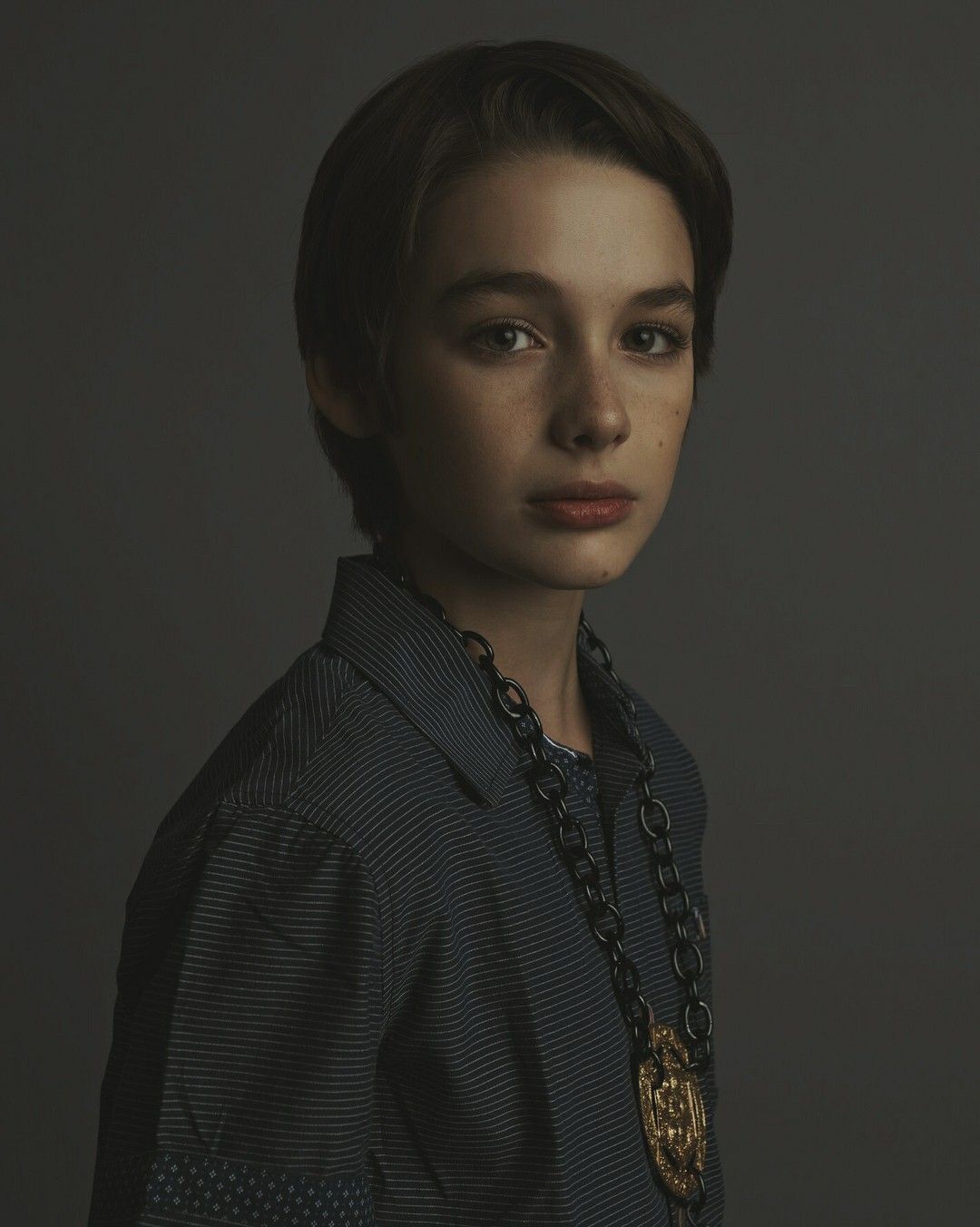
### Google Gemini — Photorealistic Editorial Portrait Recreation **Use the up…
 Google Gemini
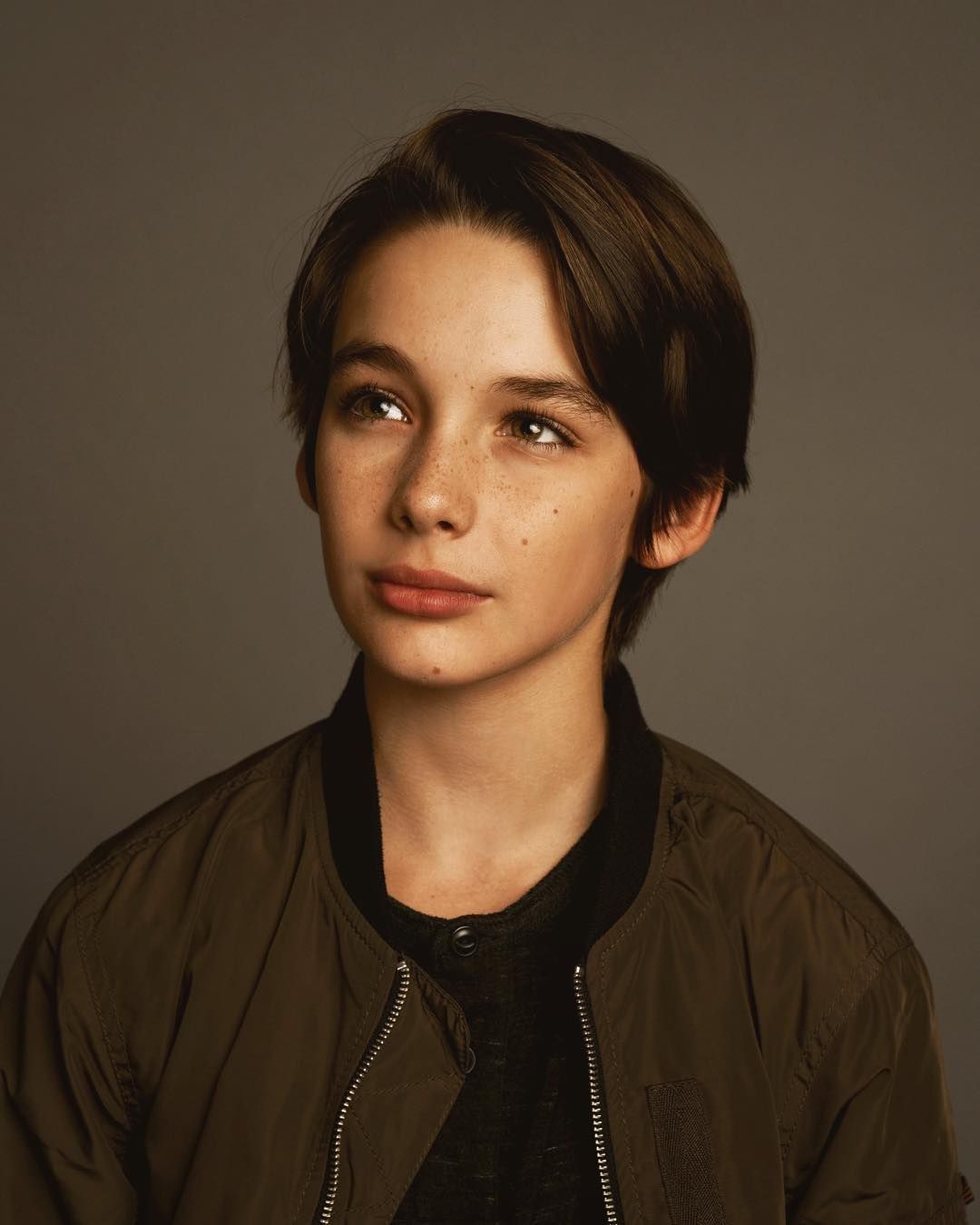
### Google Gemini — Photorealistic Portrait Recreation Prompt **Use the uploa…
 Google Gemini
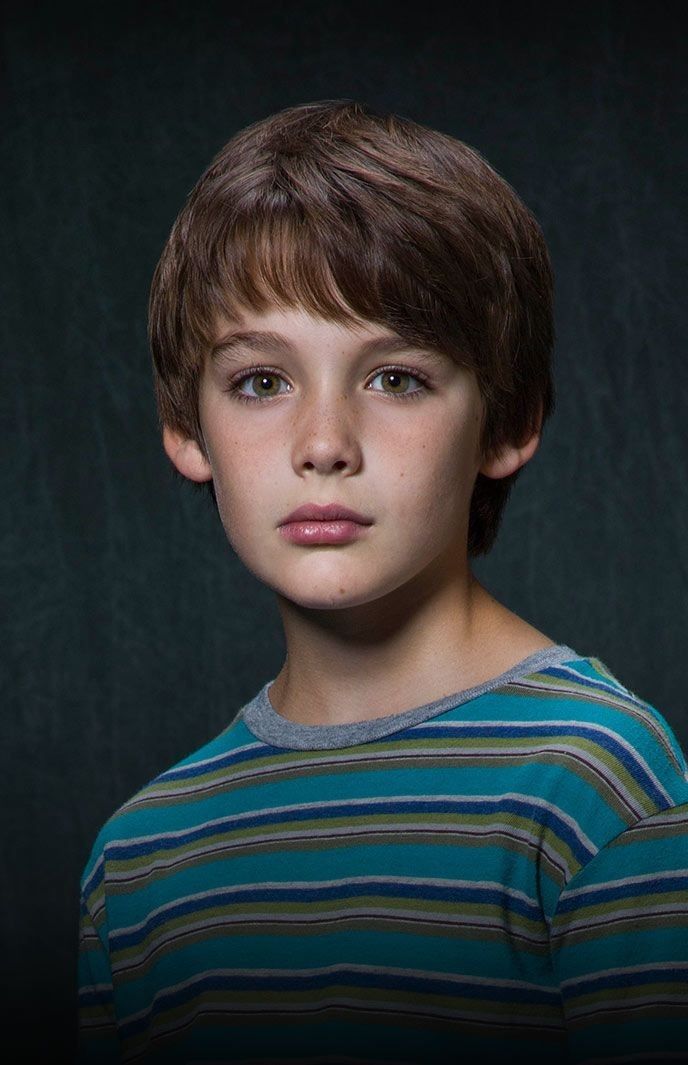
### Google Gemini — Photorealistic Portrait Recreation Prompt **Use the uploa…
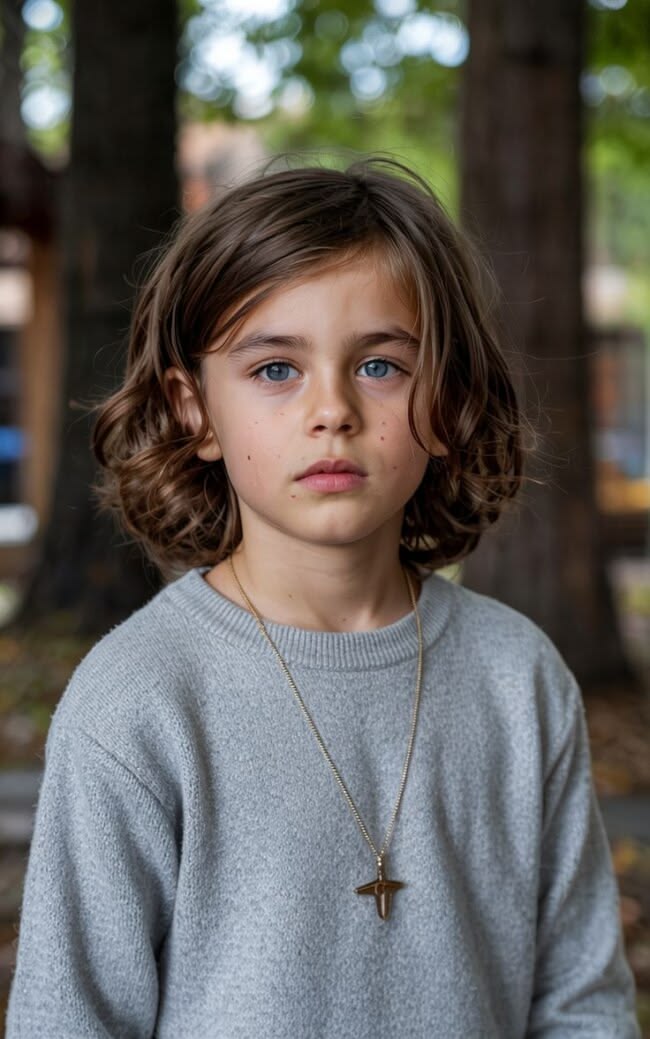 DALL-E
### Google Gemini — Reference-to-Image Prompt **Use the uploaded image as the…
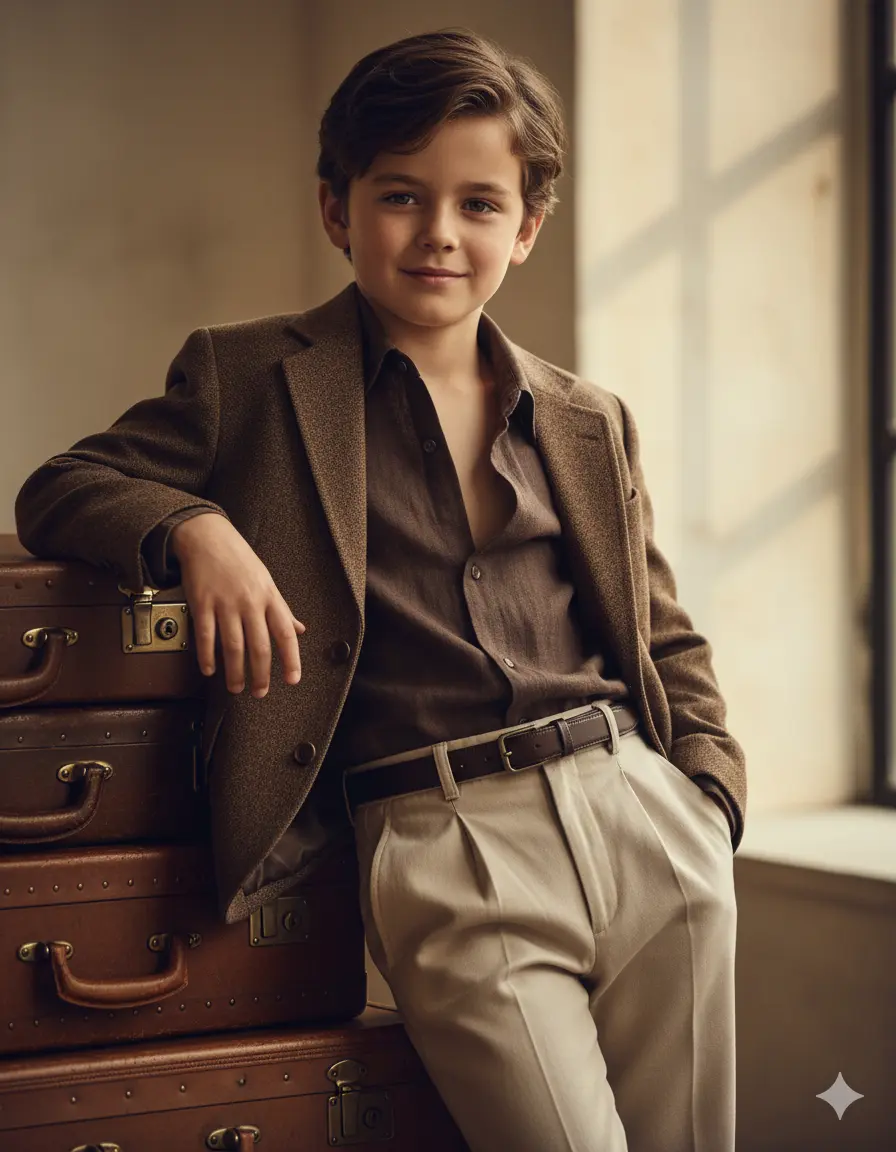 Google Gemini
Use the exact same face from the attached photo — he is a child, stylish and con…
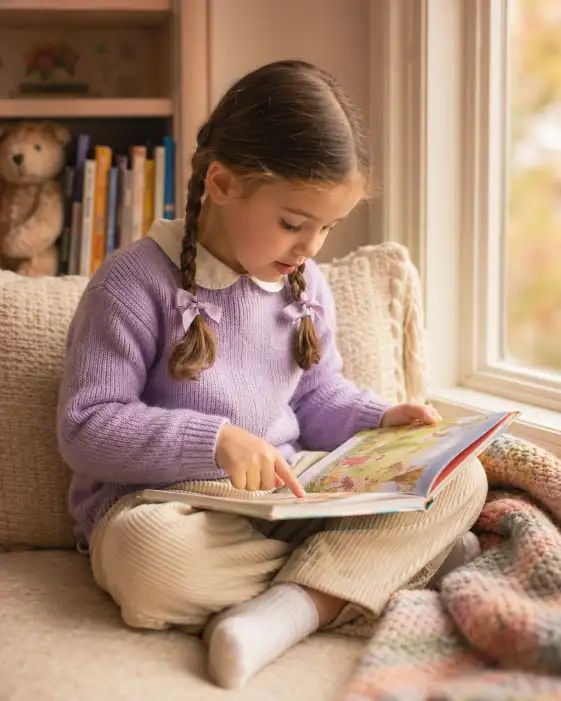 DALL-E
Create a warm indoor portrait of a 5-year-old girl sitting cross-legged in a coz…
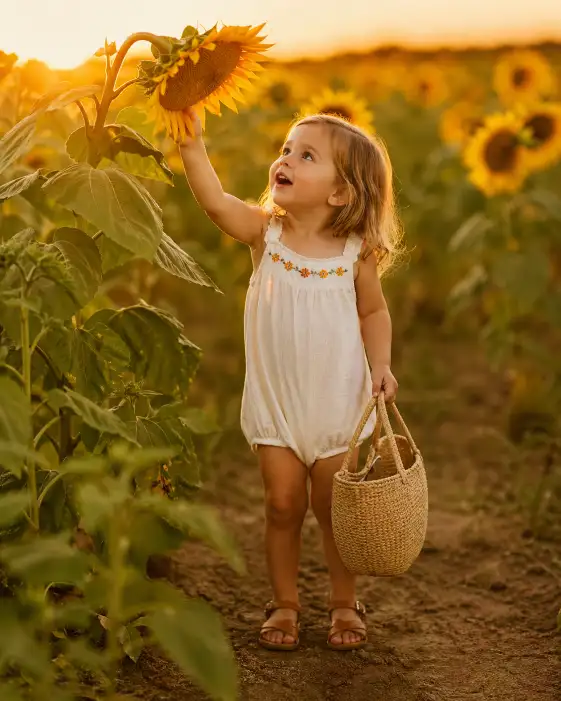 DALL-E
Create a heartwarming photo of a 3-year-old toddler standing in a tall sunflower…
 Google Gemini
### Google Gemini — Reference-Based Portrait Prompt **Use the uploaded image …
Save this prompt
Create a free account to save, like & comment on AI image prompts.